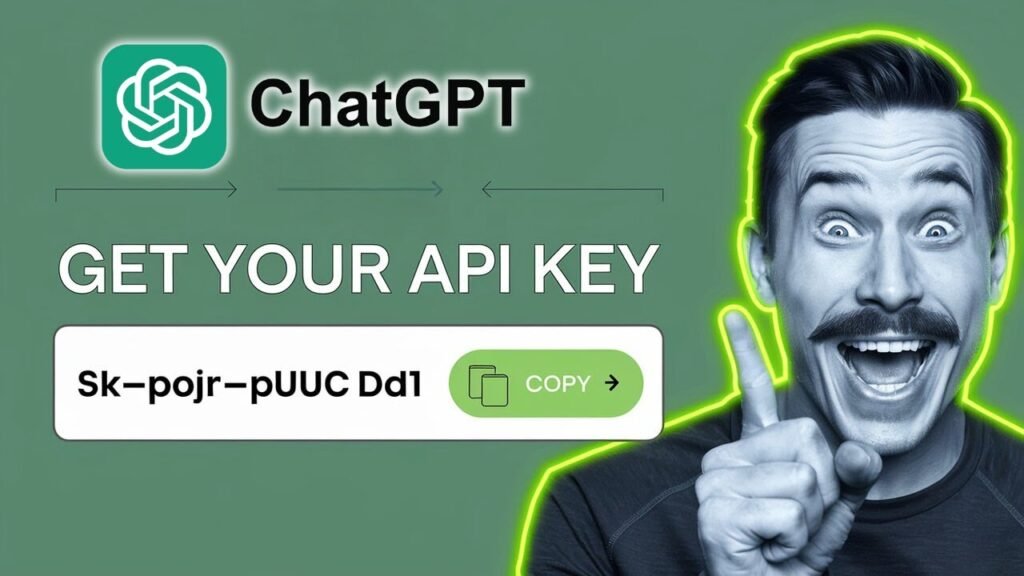
If you’re trying to figure out how to get a ChatGPT API key, the good news is that the process is short. The part that throws people off is where to look, because you don’t get it from the normal ChatGPT chat screen.
You need to sign in to the OpenAI platform, set up an organization, and generate a key from there. The one thing you should know up front is simple: API access is paid, so this isn’t the free version of how to use ChatGPT.
Start in the OpenAI API platform
Head to OpenAI’s website and sign in with your existing OpenAI or ChatGPT account. If you’ve been searching for how to get OpenAI API key access, you’re using the same account, but you’re moving into the API platform, not the regular chat page.
Once you’re signed in, open the API side of the platform and check the pricing section before you do anything else. That matters, because the setup for a ChatGPT API key is not free.
The part many people miss is this: you get the key from the API platform, not from the ChatGPT conversation window.
After that, choose API login and enter the OpenAI platform area. If this is your first time there, you’ll be prompted to click Start building. If you ever need a second reference for where the key lives, OpenAI has a short API key help page that points to the same place.
Create your organization and project
After you click Start building, you’ll set up your organization. This is the first real step in your OpenAI developer account setup.
You can name the organization something simple, like Sample API. Then choose the option that best describes you. In the example shown, that choice is “somewhat technical.” Pick the one that fits you, then create the organization.
This step isn’t flashy, but it matters. If you’re wondering how to generate OpenAI API key access for apps, bots, or automations, the platform wants your organization in place first.
Adding teammates and choosing permissions
Once the organization is created, you can invite other people to the project. If you’re working solo, you can skip this and add them later.
Here is the basic difference between the two roles mentioned in the setup:
The main point is simple: Owner has control, and Reader is more restricted. If you do want to invite someone, enter their email address and choose the permission level that makes sense for your project.
Generate your ChatGPT API key

This is the part most people came for. If you’re looking up how to get OpenAI API key access, or you want a straight ChatGPT API key tutorial, this is where it happens.
The platform moves you toward your first API call. You’ll be asked for a key name and a project name. In the example setup, the key name is My Test Key and the project is Sample Project.
The flow is simple:
- Enter a name for the API key.
- Add your project name.
- Click Generate API key.
Once you do that, your new OpenAI API key appears on screen. Copy it right away and store it somewhere safe.
Copy it right away and test it
Your key is what you’ll use to connect to the OpenAI API, so treat it like a password. Don’t share it, and don’t leave it lying around in random notes or public files. OpenAI’s authentication reference also explains how the key is used when you make requests.
After you copy it, the platform may show example ways to try it out in cURL, Node, or Python. That’s your first step in learning how to use ChatGPT API and how to use OpenAI API in a real project.
If your goal is broader, like figuring out how to use OpenAI API key access inside a tool, a bot, or an automation, this key is the starting point. It’s also the piece you need if you’re thinking about side projects, client work, or using ChatGPT to make money through your own app or workflow. And if you’re searching for how to get ChatGPT-4 API key access, the setup starts here too, with the same platform-based key creation process.
What you can do next
The whole process comes down to four moves: sign in, open the API platform, create your organization, and generate the key. That’s the core of ChatGPT API key setup.
Once you’ve copied the key, you’re ready to test your first request and move from “how to use ChatGPT” in a browser to how to use it inside your own tools. Open the platform, create the key, and make that first API call.
Prefer Visual Help? Watch the Step-by-Step Video Guide!
Struggling with How to Get ChatGPT API Key ? Don’t worry—this video breaks it down step by step with clear, hands-on instructions. If you want the only working method that actually gets results, this video is for you!
▶ Watch TutorialFrequently Asked Questions
Want to learn How to Install and Use ChatGPT on iPhone? Here’s a Step-by-Step Guide Article on how to do so.