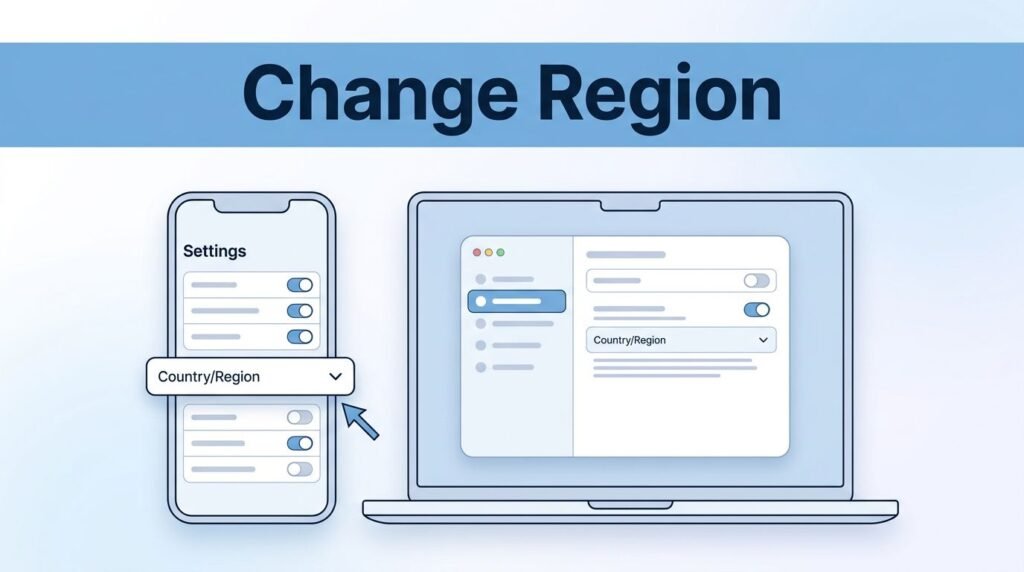
If you’re trying to figure out how to change TikTok country or region, you’re usually dealing with one of two things. You either want different videos in your feed, or you want TikTok to treat your account like it’s in another country.
That difference matters. If you’re searching for how to change your location on TikTok, how to change your region on TikTok, or how to change country in a TikTok account that’s showing the wrong content, the in-app setting helps, but it doesn’t fully do the job on its own.
Once you know what changes your feed and what changes your region signal, this gets a lot easier.
What TikTok looks at when deciding your region
When you want to change TikTok location, the biggest thing to understand is this: your IP address matters most. TikTok uses that signal to help figure out where you’re accessing the app from.
So if your question is “how do I change my region on TikTok,” don’t assume a language setting alone will fully move your account. Changing content preferences can influence what you see, but a fuller region switch usually needs a different IP from the country you want.
Here’s the simple breakdown:
That also explains why your feed can feel stuck. If TikTok keeps serving videos from the same place, you’re still sending strong region signals from your current connection. On the flip side, if you do change regions, your For You page, trending topics, and even some available features may change with it.
Changing what you watch is easier than changing what TikTok thinks your account’s region is.
Use Content preferences to change what TikTok shows you
If you mostly want to know how to change your country on TikTok because your feed feels off, start inside the app. This method is the easiest answer for people asking how to change country in TikTok or how to change your country in TikTok without creating a whole new profile.
On iPhone and Android, the wording may look a little different, but the path is usually close to this:
- Open TikTok and go to your Profile.
- Open the menu, then tap Settings and privacy.
- Find Content preferences.
- Tap the option to add a language or preferred content language.
- Choose the language tied to the region you want to see more of.
After that, TikTok should start showing more content connected to that language and region. It may not flip instantly, but it usually starts nudging your feed in that direction.
This is the part that clears up a lot of confusion around how to change TikTok country region settings. You’re not always changing a hard country field inside the app. In many cases, you’re telling TikTok what kind of content you want to see more of.
If you’re trying to fix TikTok US region settings, for example, adding English and spending time with U.S.-based content can help the app learn faster. Watch a few videos, search creators from that country, and let the feed refresh a bit.
If the feed still doesn’t move right away, close the app and reopen it. Sometimes you need a little patience before the recommendations catch up.
Use a VPN if you want a fuller region switch
If you’re trying to learn how to change country in TikTok account settings for real, not just influence the feed, this is the part that matters. TikTok uses your IP address, so switching that signal is what makes the bigger difference.
Start by logging out of your account. Then connect to a VPN and set it to the country you want. Once the VPN is active, either create a new TikTok account or log back into your existing one.
A new account is often the cleaner option if you want to know how to change region on TikTok account signals more completely. An older account already has history, behavior, and location clues attached to it, so a fresh account can be easier to point in a new direction.
If you’re building a fresh profile after the switch, this guide to how to add clickable links to TikTok can help once you get to your bio setup.
You can still log back into an existing account while the VPN is on, and that may be enough for some people. But if you’re asking “how do I change my country on TikTok” and want the strongest reset possible, a new account usually gives TikTok fewer mixed signals.
If you turn the VPN off, TikTok may start reading your real IP again, and the region can drift back.
That point gets missed a lot. If you want to change your TikTok country, keep the VPN set to the same country whenever you’re using the account.
If TikTok still shows the wrong country
If you changed the language and you’re still stuck, or you used a VPN and nothing seems different, the issue is usually one of a few common mistakes.
- You changed content preferences, but not the IP address.
- You logged in before the VPN fully connected.
- You picked the wrong country inside the VPN app.
- You expected the feed to change instantly, even though TikTok sometimes takes time to react.
This is also where people asking “how to change my country on TikTok” or “how to change my TikTok region” get tripped up. The app can show more content from another place without fully switching the account’s region signal.
If your location still looks wrong, double-check that your VPN is connected to the exact country you want. Then log out and back in again. If your phone permissions may be part of the problem, you can also review TikTok’s location services settings.
One more thing, changing region can affect the trends and features you see. That’s normal. If local trends disappear or the app feels different after the switch, that usually means the new region is starting to take effect.
Prefer Visual Help? Watch the Step-by-Step Video Guide!
Struggling with How To Change TikTok Account Country Or Region? This video visually walks you through the steps so you can follow along more easily.
Watch TutorialThe part most people miss
If you only want different videos, use Content preferences. If you want a fuller answer to how to change TikTok country settings, your IP address is the piece that matters.
That’s the real split here. One method changes what shows up in your feed, the other changes how TikTok reads your location. Once you handle the right one, the whole process stops feeling confusing.
Frequently Asked Questions
Here are a few common questions people ask when changing TikTok country or region settings.