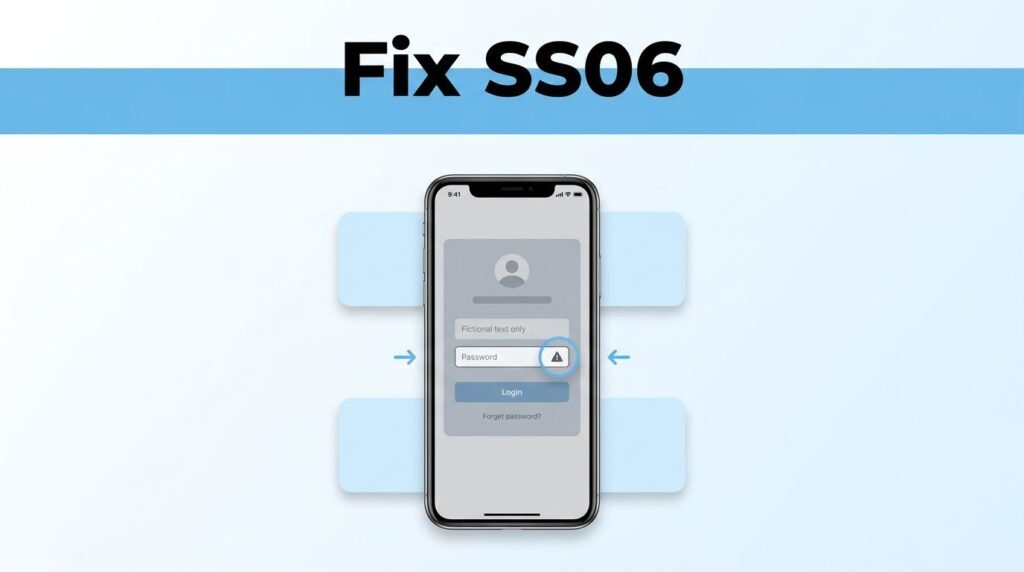
If you’re searching for how to fix Snapchat support code SS06, the short answer is frustratingly simple: there usually isn’t a quick app fix. This Snapchat login error SS06 normally means Snapchat has restricted the device you’re using, so the only real Snapchat SS06 error fix is to wait and see if the ban is temporary, or try your account on another device.
That makes this less of a settings problem and more of a restriction problem. Here’s what the Snapchat support code SS06 message usually means, what you can still try, and what won’t change anything.
What Snapchat support code SS06 actually means
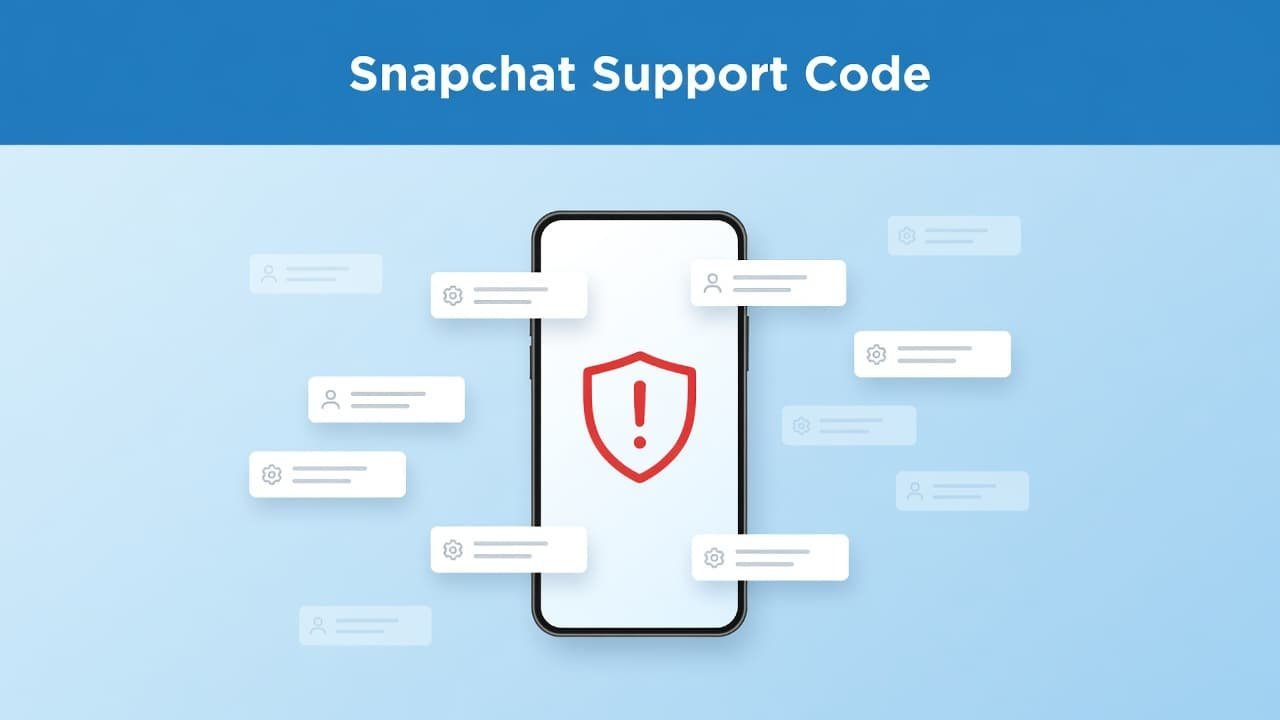
Snapchat code SS06 is not the same as a wrong password, a weak signal, or a random app bug. According to Snapchat’s login error page, SS06 and SS18 both mean the device you’re using has been banned because of abuse or repeated violations of the Community Guidelines.
So if you’re asking, “why does my Snapchat say SS06,” that’s the main answer. Support code SS06 on Snapchat usually points to a restriction on the phone or tablet itself. That’s why people dealing with SS06 Snapchat issues often can’t fix it by reinstalling the app or changing one setting.
People also mix this up with a basic security lock after failed sign-in attempts. That can happen on apps in general, but a Snapchat error code SS06 is usually treated more seriously. The same rule applies on iPhone and Android because this is tied to Snapchat’s side, not to one mobile setting.
### Account ban vs device ban
This is the part that confuses most people. A normal account issue affects the profile you’re trying to sign into. A Snapchat SS06 device ban can block the actual device, which means even a different account may fail on that same phone.
Snapchat’s device ban explanation makes that pretty clear. If your account works somewhere else but not on your phone, your account may still be fine and your device is the real problem. Follow this step-by-step Snapchat device ban fix guide for detailed cleanup instructions.
The hard part: SS06 is usually not a glitch you can tap your way out of. It’s a restriction Snapchat placed on the device you’re holding.
How to fix Snapchat support code SS06, realistically
If you want a straight Snapchat support code SS06 solution, here it is: test the account, confirm whether the device is blocked, then wait if the restriction might be temporary. That’s the core of any honest Snapchat SS06 troubleshooting guide.
What to try first
- Open the official Snapchat help result for SS06 and confirm you’re dealing with the right error. If you typed “support code SS06 Snapchat” into Google, you were on the right track. You need to know whether Snapchat is calling it a device ban, not a general login failure.
- Try logging into the same account on another phone or tablet. Borrowing a second device for a quick test can save you a lot of guessing. If the account works there, your Snapchat account locked SS06 message is more about your original device than your account.
- Stop repeatedly retrying on the banned device. If Snapchat SS06 temporarily disabled your access, time is the only thing that may help. Snapchat does not publish a fixed timer, so if you’re wondering how long does Snapchat SS06 last, the honest answer is that it depends on the severity of the violation and may be temporary or final.
- Check whether your account is still active. If a friend can still find your profile, or if you can sign in elsewhere, that tells you a lot. If you get back in on a different device, you can also view your Snapchat follower count to confirm your profile still looks normal.
If you’re wondering how to fix SS06 Snapchat errors on iPhone versus Android, the path is basically the same. This isn’t a platform-specific menu issue. It’s a restriction decision from Snapchat.
What won’t work for a Snapchat SS06 fix
This isn’t the Snapchat SS06 fix most people want to hear, but it saves you time. Once Snapchat has flagged the device, the usual bag of app tricks doesn’t do much.
A few things usually do not solve a Snapchat support code SS06 problem:
- Clearing cache, force-closing the app, or reinstalling Snapchat
- Updating iOS or Android and hoping the error disappears
- Creating a brand-new account on the same banned device
- Spamming login attempts until the app lets you in
- Paying someone online who claims they can remove the ban
Creating a new account is a big one. On Snapchat’s account creation help page, the company says SS06 or SS18 can also block account creation on that device. So if you were hoping a fresh account would bypass the issue, that usually won’t happen on the same phone.
The same goes for support requests. If you think the ban is a mistake, you can still check the help pages and try normal support routes, but you should keep your expectations low. The message many people run into is that if the device has been banned, support can’t unban it for you. That’s why the common “Snapchat SS06 fix” advice online often falls apart once you reach the actual support page.
If your Snapchat SS06 temporary disabled message never clears, then the practical move is to stop fighting that device. Try another phone. If the same account signs in there, you’ve found your answer. If it doesn’t, the account itself may also be restricted.
Prefer Visual Help? Watch the Step-by-Step Video Guide!
Struggling with How to Fix Snapchat Support Code SS06? Don’t worry—this video breaks it down step by step with clear, hands-on instructions. If you want the only working method that actually gets results, this video is for you!
Watch TutorialWhat you should do now
If you’re looking up how to fix Snapchat code SS06, the real answer is patience and testing, not app tinkering. SS06 usually means Snapchat blocked the device, and the outcome depends on whether that ban is temporary or final.
So keep it simple. Try the account on another device, stop repeating failed logins on the banned one, and don’t waste time on fake bypass methods. If the account works elsewhere, your phone is the issue. If it doesn’t, the restriction goes deeper than the device alone.
Frequently Asked Questions
Here are a few common questions people ask when dealing with Snapchat support code SS06.
Want To Learn How to Send Red Snaps on Snapchat. Here’s a Step-by-Step Guide Article on how to do so.