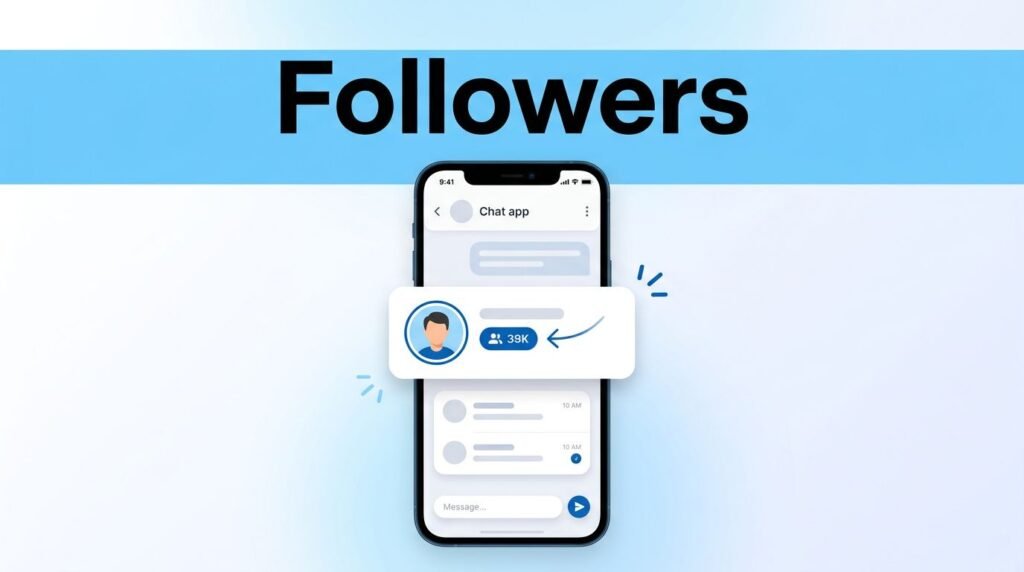
If you’re trying to figure out how to see followers on Snapchat, the app doesn’t make it as obvious as it should. You can usually check the follower count from your profile, then open the list Snapchat gives you, but the exact view depends on your account type.
That’s the part that trips people up. Snapchat followers, friends, and public profile followers don’t always show up in the same place, so if the app feels a little confusing here, you’re not imagining it.
What Snapchat actually shows when you look for followers
If you’ve been wondering how to see who follows you on Snapchat, how to see who follows me on Snapchat, or even “how can I see who follows me on Snapchat,” the short answer is this: start on your profile, check the count under your username, then look at My Friends or Friends & Followers if that section appears.
On a regular account, Snapchat may show your follower count without giving you a perfectly separate Snapchat followers list. On a public profile, the app can split Friends and Followers more clearly. That’s why the answer to “can you see who follows you on Snapchat” is yes, but not always in one clean tab.
Your Snapchat following list can also add to the confusion. The people you follow and the people who follow you are not always shown the same way, so don’t assume every label means the same thing across the app.
If you want to see your followers on Snapchat without public profile, expect a more limited view than you would get on a public account.
Check your follower count from your profile
The fastest way to check Snapchat followers is from your main profile screen.
- Open Snapchat and sign in.
- Tap your Bitmoji or profile icon in the top-left corner.
- Look under your username.
- If your account is showing follower data, you’ll see the number there.
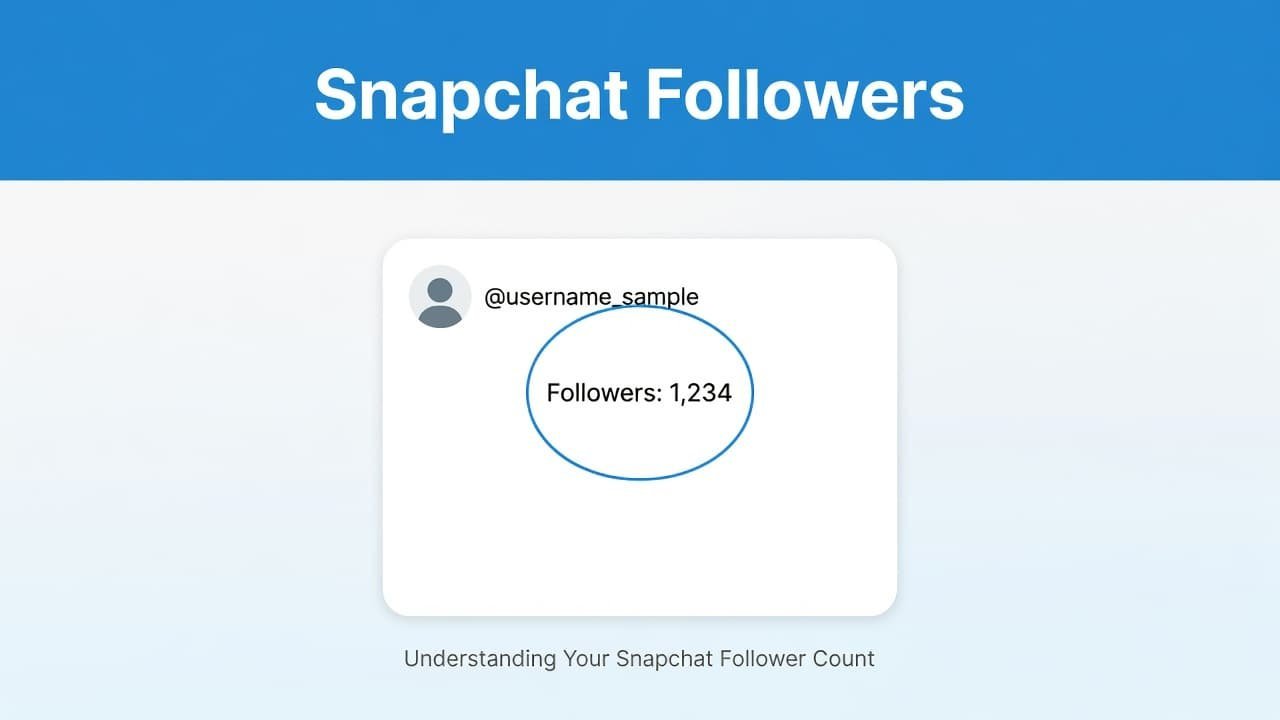
That number is the quickest snapshot of your audience. Think of it like a headcount, not a name-by-name guest list.
If you don’t see anything under your username, don’t panic. New accounts, inactive accounts, or accounts with no followers may not show a count at all. That’s one reason people think the option is missing when it really isn’t.
If your goal is how to see my followers on Snapchat or how to see your followers on Snapchat without digging through extra menus, this is always the first place to check.
Open My Friends to see who’s connected to you
If you want names instead of only a number, go back to your profile and tap My Friends. In many versions of Snapchat, this is where you can see the people connected to your account.
For a lot of users, this is the practical answer to how to see who’s following you on Snapchat on a regular account. Once you’re inside My Friends, scan the list for the people you want to check. If you’re trying to verify one person, this is the best place to start.
A common mistake is treating My Friends as a perfect followers-only screen. It isn’t always that neat. On Snapchat, friend and follower labels can overlap, which is why people searching for how to check Snapchat followers list often feel like they’re looking at the wrong menu.
Still, this screen matters. If you’re trying to learn how to view Snapchat followers and you don’t have a public profile view with separate categories, My Friends is usually the closest thing Snapchat gives you inside the app.
If a specific person doesn’t show there, that doesn’t always mean they don’t follow you. It may only mean Snapchat is handling that connection differently, especially if public profile features are involved.
If you have a public profile, the view is better
This is where the app gets easier. If you have a public profile, Snapchat may show Friends & Followers as separate groups, which is much closer to what most people expect when they search how to view followers on Snapchat public profile.
In some versions of the app, you can open your profile, tap View All under Friends & Followers, and switch between those groups. Snapchat also explains the split in its public profile followers and friends help page.
This matters because a friend is usually a mutual connection, while a follower may only be following your public content. So if you’re asking how to see your followers on Snapchat without public profile, your answer is more limited. If you’re asking how to see followers on Snapchat with a public profile, the app may give you a clearer breakdown.
If you don’t see Public Profile or Friends & Followers, Snapchat may not be surfacing that option for your account or current app version. That doesn’t stop you from checking your count or opening My Friends, it only changes how clearly Snapchat separates the categories.
Why you might not see followers on Snapchat
If the option looks missing, the reason is usually one of these:
- You don’t have any followers yet.
- Your account is showing a regular profile, not a public one.
- Snapchat is only showing My Friends, not a separate followers tab.
- Your app layout changed after an update.
If you’re searching for how to see followers on Snapchat on iPhone or how to see followers on Snapchat Android, the steps are basically the same. Open your profile, check under your username, then look for My Friends, Friends & Followers, or View All. The menu names can shift a little, but the path is usually close to that.
Also, don’t mix up profile activity with follower data. Story views, profile views, and public interactions are not the same as confirmed Snapchat followers.
A couple of smart ways to keep things easier
If you want the list to make more sense over time, keep your profile easy to recognize. A clear Bitmoji, a consistent username, and regular story activity make it simpler for people to follow and for you to keep track of who’s around.
It also helps to understand Snapchat’s other labels and color signals. If you’re still learning the app, here’s a quick guide to what a red snap means on Snapchat.
And yes, a bigger number looks nice, but a cleaner list is better. If an account looks fake or random, don’t feel like you need to keep every connection.
Prefer Visual Help? Watch the Step-by-Step Video Guide!
Struggling with How to See Followers on Snapchat? Don’t worry—this video breaks it down step by step with clear, hands-on instructions. If you want the only working method that actually gets results, this video is for you!
Watch TutorialThe easiest way to check next time
If you want the simplest answer, open your profile, check under your username, and then tap My Friends or Friends & Followers if that section shows up.
That’s the main path whether you’re trying to see followers on Snapchat on iPhone, on Android, or on a public profile. The only real difference is that public profiles usually show the follower view more clearly, while regular accounts keep it a little more mixed in with friends.
Frequently Asked Questions
Here are a few common questions people ask when trying to see who follows them on Snapchat.
Want To Learn How to Fix Snapchat Device Ban. Here’s a Step-by-Step Guide Article on how to do so.