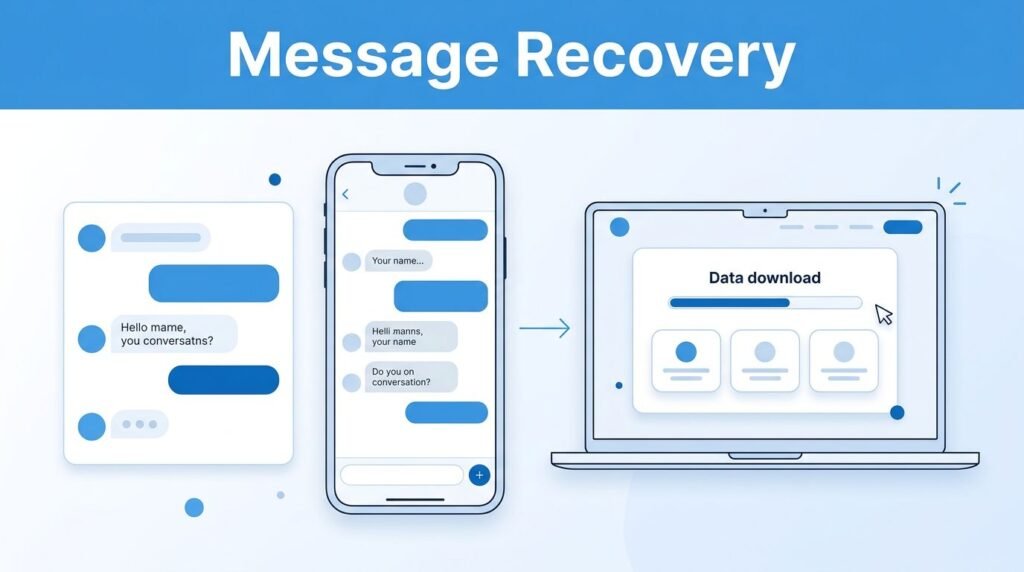
If you need a TikTok message recovery guide, the short answer is this: you usually won’t get deleted chats back inside your normal inbox, but you can still recover your message history through TikTok’s data download tool, which explains how to recover deleted TikTok messages.
That matters if you deleted a conversation by mistake, cleared your inbox too fast, or now need proof of an old chat. The good news is the method works on both iPhone and Android, as long as you’re signed into the right account and can access the email linked to it.
Here’s how to get deleted TikTok messages back, and what to expect once the file is ready.
Understanding how to recover deleted TikTok messages can save you time and frustration when trying to retrieve lost conversations.
What you need to know before you start
If you’re asking can you recover deleted TikTok messages, yes, but not in the way most people expect. TikTok’s built-in method lets you request a copy of your account data, and that data can include your direct messages.
Deleted chats usually don’t reappear in the live TikTok inbox. You recover them by downloading your data and reading the message file.
This is also the answer to questions like can you see deleted messages on TikTok, how to see deleted TikTok messages, and how to check deleted messages on TikTok. You’re not “undeleting” the thread inside the app. You’re pulling a record of it from your account data.
Before you start, check three simple things. Make sure you’re logged into the same TikTok account where the chat was deleted. Make sure your app is updated. Also make sure you still have access to the email tied to that account, because TikTok may send a verification code before the download starts.
If you deleted the chat by swiping left in Inbox and tapping Delete, that’s the kind of situation this method is meant for.
Before requesting your account data, check message requests on TikTok in case the conversation is still waiting outside your regular inbox.
How to recover deleted TikTok messages on TikTok
Open TikTok and go straight to your profile. From there, the recovery path is inside your account settings, not your inbox.
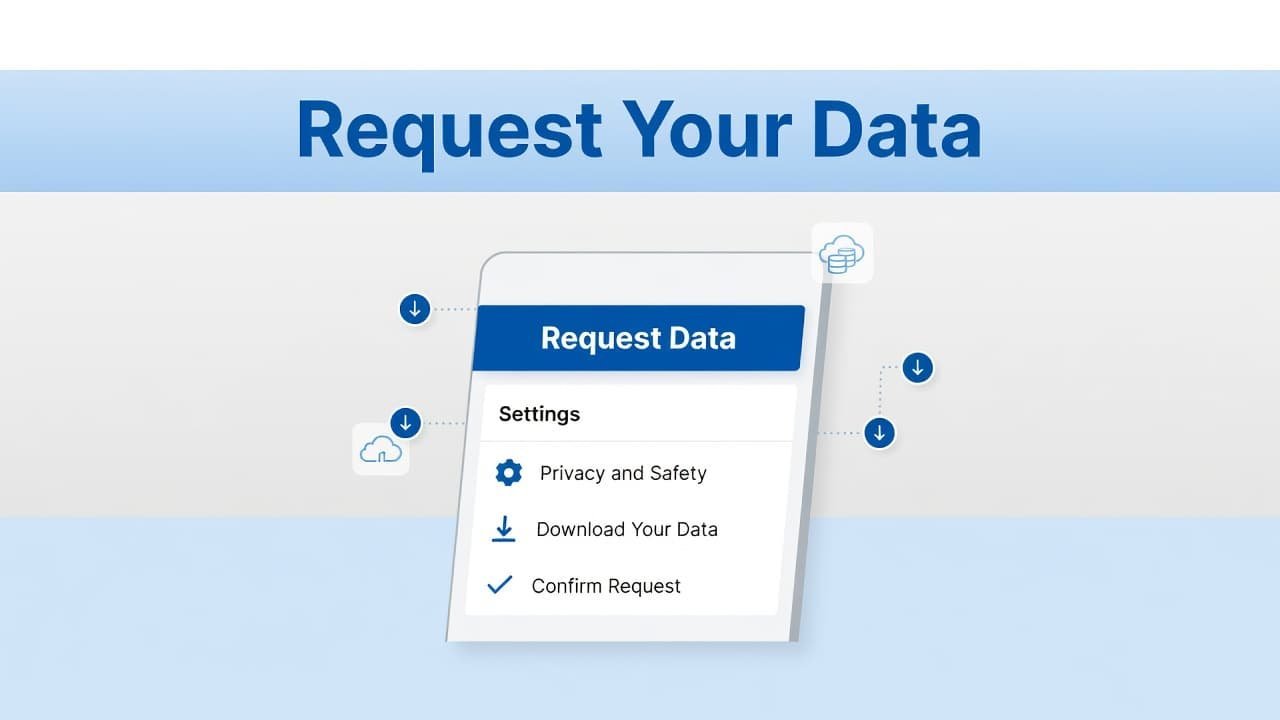
Follow these steps once, slowly, and you should be fine:
- Tap Profile in the bottom-right corner.
- Tap the three horizontal lines in the top-right corner.
- Open Settings and privacy.
- Tap Account.
- Choose Download your data.
- Pick the data you want to request.
- Tap Request data.
- Wait until the request changes to Download, then download the file and verify with the code sent to your email.
Choose “Custom” if you only want messages
TikTok may let you choose between downloading everything or requesting only certain categories. If you’re trying to recover deleted TikTok messages, the smaller request is usually the better move.
This quick comparison makes it easier:
If you see a Custom option, select Messages only, then tap Done. That helps if you’re searching for how to recover a deleted TikTok message, how to retrieve deleted TikTok messages, or how to find deleted messages on TikTok without waiting on a larger file than you need.
Download the file and verify your email
After you request the data, TikTok starts processing it. Sometimes that happens fast. Sometimes it takes longer. If the button still says it’s processing, leave it alone and check back later.
Once the status changes to Download, tap it. TikTok may ask for a code sent to your registered email. Enter that code, finish the download, and save the file to your device.
If you prefer a second walkthrough with a few extra device notes, this iPhone and Android TikTok recovery article explains the same archive method in plain language.
How to open the file and find your deleted chat
Once the download finishes, open the file from your phone’s file manager. On iPhone, that usually means the Files app. On Android, it may be Files or My Files, depending on your device.
Inside that download, you should see your account data, including messages if you selected them. This is how to find deleted TikTok messages when the chat is gone from your inbox. If you’re only looking for one conversation, search for the username, a keyword from the message, or part of the chat text.
This is also how to retrieve deleted messages on TikTok without guessing. You’re reading the exported history, not hoping the app magically restores the thread.
A common mistake is expecting the deleted conversation to pop back into Inbox after the download. It doesn’t work like that. You get a record of the messages in the file. If you need to save something important, take screenshots or keep the downloaded file in a secure folder.
Deleting a chat on your side also doesn’t mean it disappears for the other person. Your recovery file is about your account history.
What can go wrong, and how to fix it
Most problems here come down to one of four things:
- You’re logged into the wrong TikTok account.
- The data request is still processing, so the Download button isn’t ready yet.
- You can’t access the email linked to your TikTok account.
- The file downloaded, but you haven’t opened it in your phone’s file app.
If you’re trying to figure out how to recover deleted messages on TikTok and nothing looks right, start with the account itself. People often have more than one login and request data from the wrong profile.
If the download won’t start, check your connection and try again later. If the file opens but you can’t find anything useful, request the data again and make sure Messages was included.
One more thing, there isn’t an official instant-restore button for deleted DMs. If some third-party tool promises that it can recover deleted TikTok messages in one tap, be careful with it.
Prefer Visual Help? Watch the Step-by-Step Video Guide!
Struggling with How to Recover Deleted TikTok Messages? This video visually walks you through the steps so you can follow along more easily.
Watch TutorialThe best way to get your TikTok messages back
If you want to recover deleted TikTok messages, the safest path is still TikTok’s Download your data tool. It’s simple, it works on iPhone and Android, and it doesn’t rely on sketchy apps.
The one thing to remember is the limitation: you’re recovering message history, not restoring the chat back into your live inbox. Once you know that, the whole process makes a lot more sense.