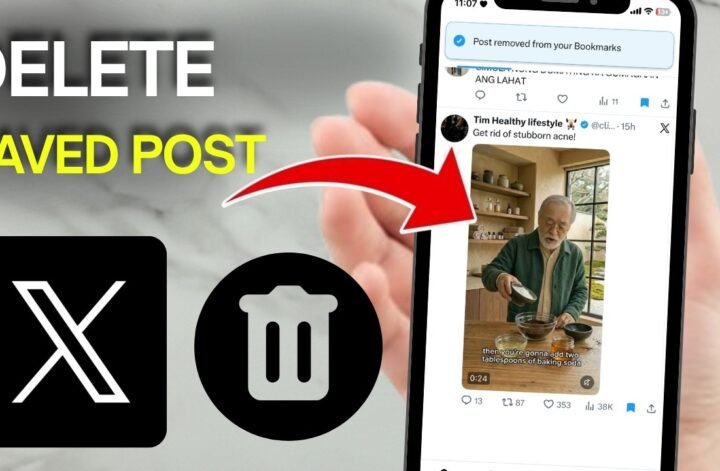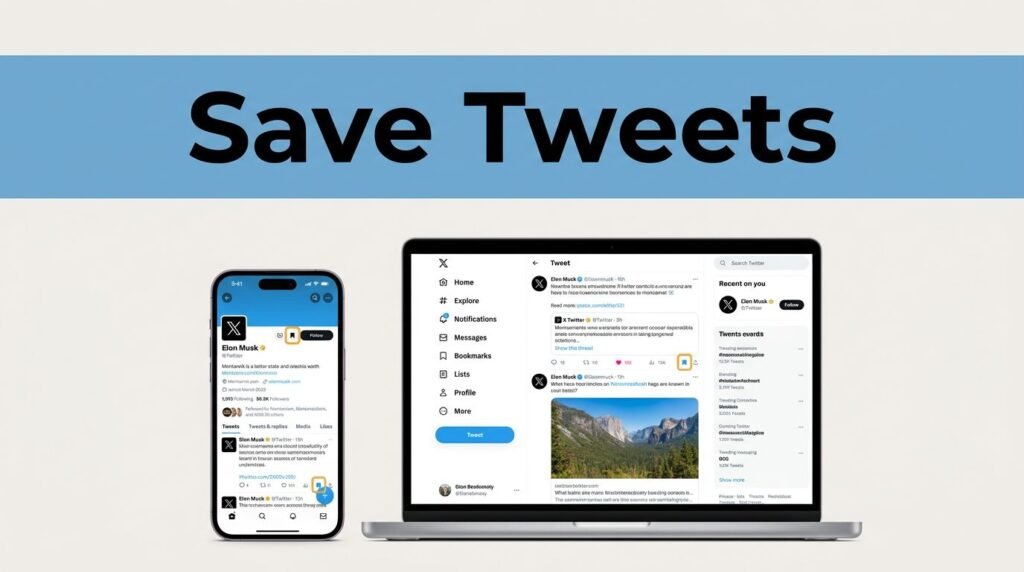
If you’re trying to figure out how to save posts on X (Twitter) without liking or reposting them, the answer is Bookmarks. It’s the fastest way to save an X/Twitter post for later while keeping your public profile clean.
That matters more than it sounds. A bookmarked post stays private, your feed doesn’t get cluttered, and you can come back to useful tweets, videos, or long threads when you have time to read them.
Why Bookmarks are better than likes or reposts
A lot of people still use likes as a rough “save for later” button. It works, sort of, until your likes become a pile of random stuff and you can’t remember why you saved any of it. Bookmarks fix that.
If you’ve searched things like “save a tweet,” “save tweets,” or even “Twitter save tweets,” you’re looking for the same built-in feature. Bookmarks let you keep a post for yourself. No signal to followers, no extra noise on your profile, no need to repost something you only want to revisit later.
X explained that idea when it rolled out the feature in its bookmark feature announcement. The point is simple: save privately, come back later.
This quick comparison makes the difference clearer:
The takeaway is easy. If you want to remember a post, bookmark it. If you want people to see that you liked or shared it, use Like or Repost.
How to save a post on X
The process for how to save tweets on Twitter is short, and it hasn’t gotten complicated. Once you know where the share button is, you’re done in a few taps.
Start by finding the post you want to keep. That can be something in your home feed, a result from search, a post from someone’s profile, a video, or a long thread you don’t want to lose.
- Open X and find the post you want to save.
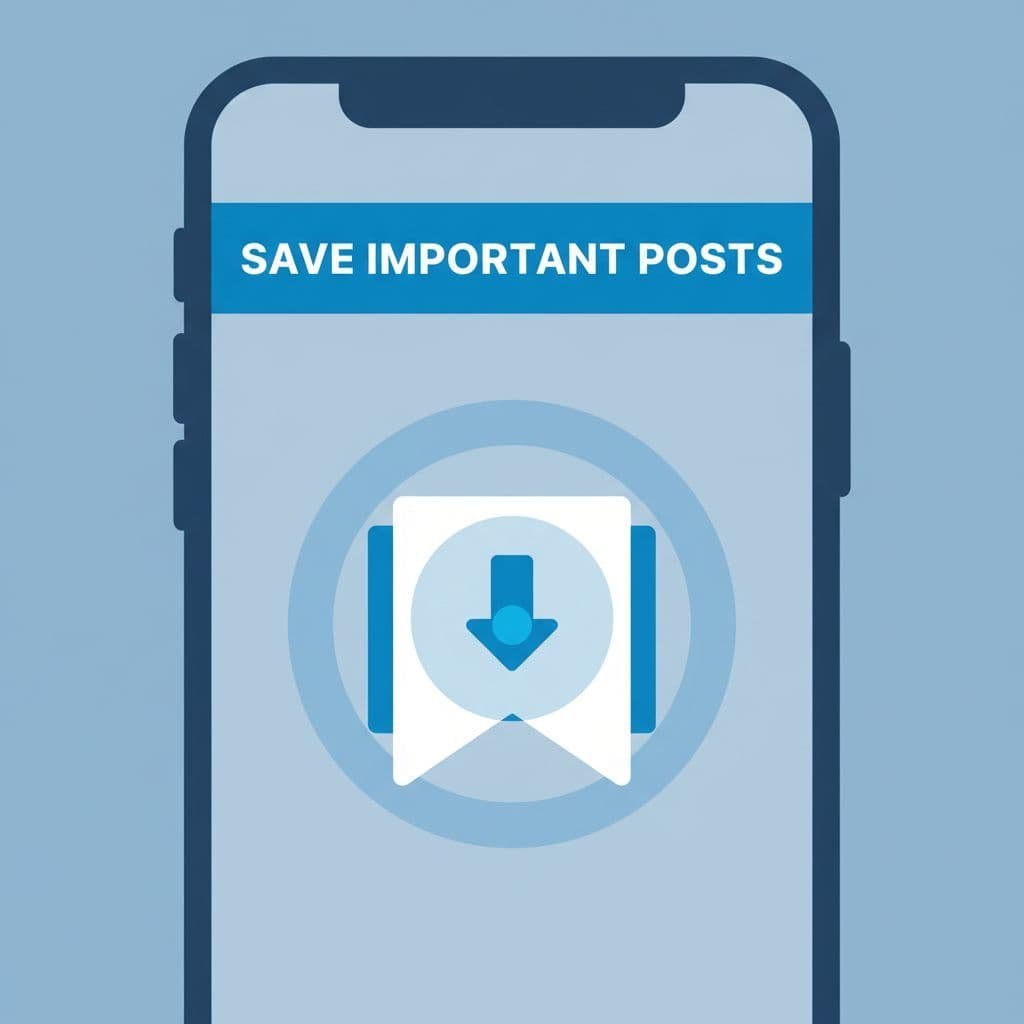
- Tap the share icon under the post.
- When the menu opens, choose Bookmark or Add to Bookmarks.
- The post is saved to your account right away.
That’s it. If you wanted to know how to save a tweet, how to save Twitter posts, or how to save a Twitter post without announcing it to everyone, this is the whole move.
You can use the same idea for more than short posts. It’s especially useful when you want to save:
- a thread you want to read later
- a video you don’t have time to watch yet
- a useful tip or reference post
- news you want to come back to after the noise dies down
If the Bookmark option isn’t showing, update the X app first. Older app versions are the most common reason this feature seems to be missing.
On iPhone, check the App Store. On Android, check Google Play. Search for X, then install any available update. If the app is current and you still don’t see Bookmarks, close and reopen the app and make sure you’re signed in to the correct account.
A slow connection can also make taps feel like they didn’t register. If you tap Bookmark and nothing seems to happen, give it a second and try again.
How to find your saved bookmarks later
Saving the post is the easy part. Finding it again is where people usually pause for a second and start poking through menus.
To open your saved list, go to your profile area, tap the menu icon, and choose Bookmarks. That’s where all your saved posts live.
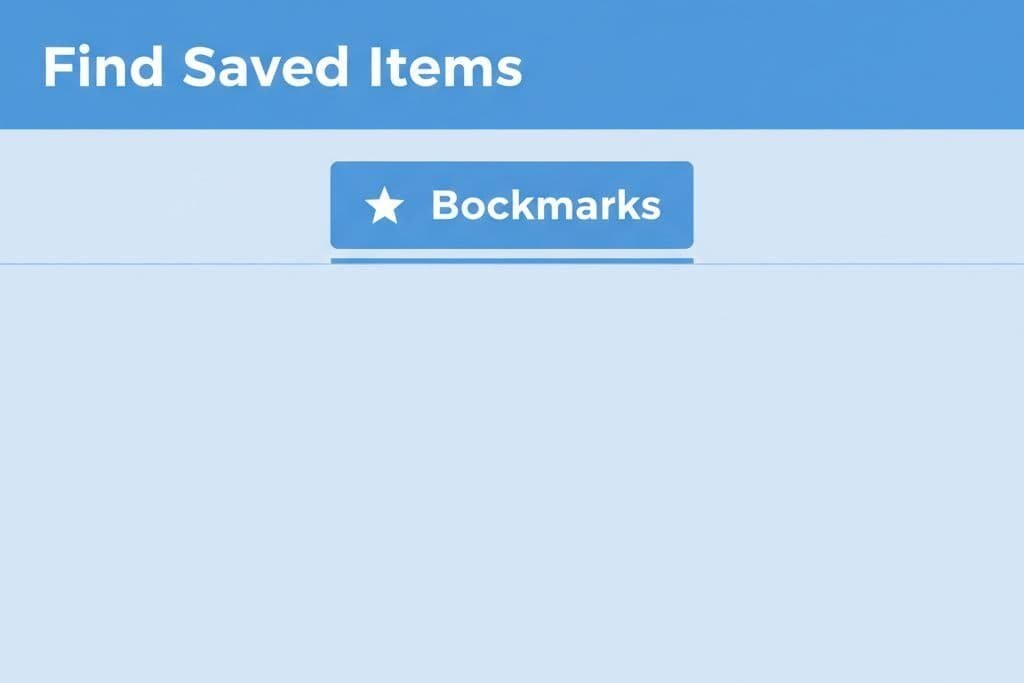
Once you’re in there, think of it like a private drawer. You can keep helpful posts close without stuffing your likes or reposts with things you never meant to make public. That’s why bookmarking is better than using likes as a memory tool.
This also works well for research. If you’re tracking updates, collecting ideas, or saving examples before you post something of your own, bookmarks give you a quiet place to keep it all. If you save examples before posting in niche spaces, this guide to posting in X communities pairs well with a cleaner bookmarks list.
Don’t let your bookmarks turn into a junk drawer
Bookmarks are private, but they can still get messy. Save too much and your “helpful later” pile turns into “good luck finding anything.”
A quick cleanup now and then helps. Scroll through your saved items, open the ones you still need, and remove anything that no longer matters. Threads are great to bookmark for deep reading. Videos are great to queue for later. Quick news posts usually lose value fast, so those are often the first ones worth clearing out.
If you use X on both phone and desktop, your bookmarks should stay tied to the same account. The labels or menu placement may look a little different on desktop, but the idea is the same: save it once, then open your bookmarks list when you need it.
Bookmarks are not the same as downloads or archives
This part trips people up all the time. Bookmarks help you return to a post inside X. They do not download media from Twitter, download a tweet to your device, or create an offline copy.
So if you’re looking for how to download tweet content, download from Twitter, or download X Twitter media, bookmarks aren’t the tool for that. They save a link to the post in your account. They don’t save a local file to your phone or computer.
The same goes for archiving. If you’re asking, “Can you archive tweets?” or searching for how to archive Twitter posts, how to archive tweets, Twitter archive tweets, or archive tweets in general, you’re talking about a different feature. Bookmarks are for quick access. A Twitter archive is about exporting your own account data.
For that, X points you to its download your X data page. That’s the official route if you want a Twitter archive of your own information. It’s the right direction for people looking into archive Twitter posts or a full Twitter archive, not for people who only want to save a post to read later.
Menus and labels can change over time, so if your screen doesn’t match exactly, check the latest official help pages inside X.
Prefer Visual Help? Watch the Step-by-Step Video Guide!
Struggling with How To Save Post In X Twitter? Don’t worry—this video breaks it down step by step with clear, hands-on instructions. If you want the only working method that actually gets results, this video is for you!
Watch TutorialKeep the post, skip the clutter
Once you know where Bookmarks live, saving posts in X is one of those tiny features that makes the app easier to use. You tap the share icon, save the post, and come back to it later without turning your likes into storage.
The strongest takeaway is simple: Bookmarks are for private saving, not public interaction, not downloads, and not archives. If all you want is a clean way to keep useful posts, that’s the button to use.
Frequently Asked Questions
Here are a few common questions people ask when saving posts or using Bookmarks on X.