If you’re trying to figure out how to get a Telegram chat ID or need to look up your Telegram ID, you don’t need to dig through settings or mess with developer tools. Telegram can show the number in seconds with the right bot.
The only part that confuses most people is knowing whether you need your personal ID or a Telegram group ID. Once you know which one you need, the steps are short on both mobile and desktop.
Start with the type of chat you’re trying to connect.
What a Telegram chat ID is, and why apps ask for it
A Telegram chat ID is the unique number attached to a chat. That chat might be your personal account, a group, or something else. When a bot or automation tool asks where it should send messages, that number is the address it wants.
If you’ve been doing a Telegram ID lookup, a Telegram ID search, or searching for “chatid Telegram,” this is usually the number you’re after. Some tools call it a Telegram bot chat ID. Others say “get Telegram bot chat ID” or “telegram bot id chat” in their setup fields. Different label, same idea.
Most people need it for bot notifications, automation platforms, or API tools that ask for a destination chat. If a setup screen asks for your Telegram bot chat ID, it is not asking for your @username. Your username is a handle people can see. Your chat ID is the numeric identifier Telegram uses behind the scenes.
If you only need to connect with another person rather than configure a bot, learn how to add a mutual contact on Telegram instead.
You’ll run into this in plenty of integrations, which is why docs like Kapacitor’s Telegram event handler guide ask for an ID before anything can send alerts. No ID, no destination.
Here’s the quick difference between the ID types people mix up most:
If you’re trying to get chat ID for a Telegram channel, use a separate channel workflow. A group ID won’t stand in for it. If the item you have is an invite URL rather than a numeric identifier, see how to open an expired link in Telegram.
How to get your personal Telegram chat ID
Before you start, open Telegram on the device you’re using and make sure you’re in the right account. If you keep multiple Telegram accounts signed in, switch now. The bot will return the ID for whichever profile is active.
The fastest way to find Telegram chat ID details for your own account is through the User Info bot. In Telegram search, this may show up as “userinfobot” or a very similar “User Info” name.
- Open the search bar at the top of Telegram.
- Type “userinfobot” and select the User Info bot from the results.
- Open the bot chat and press “Start.”
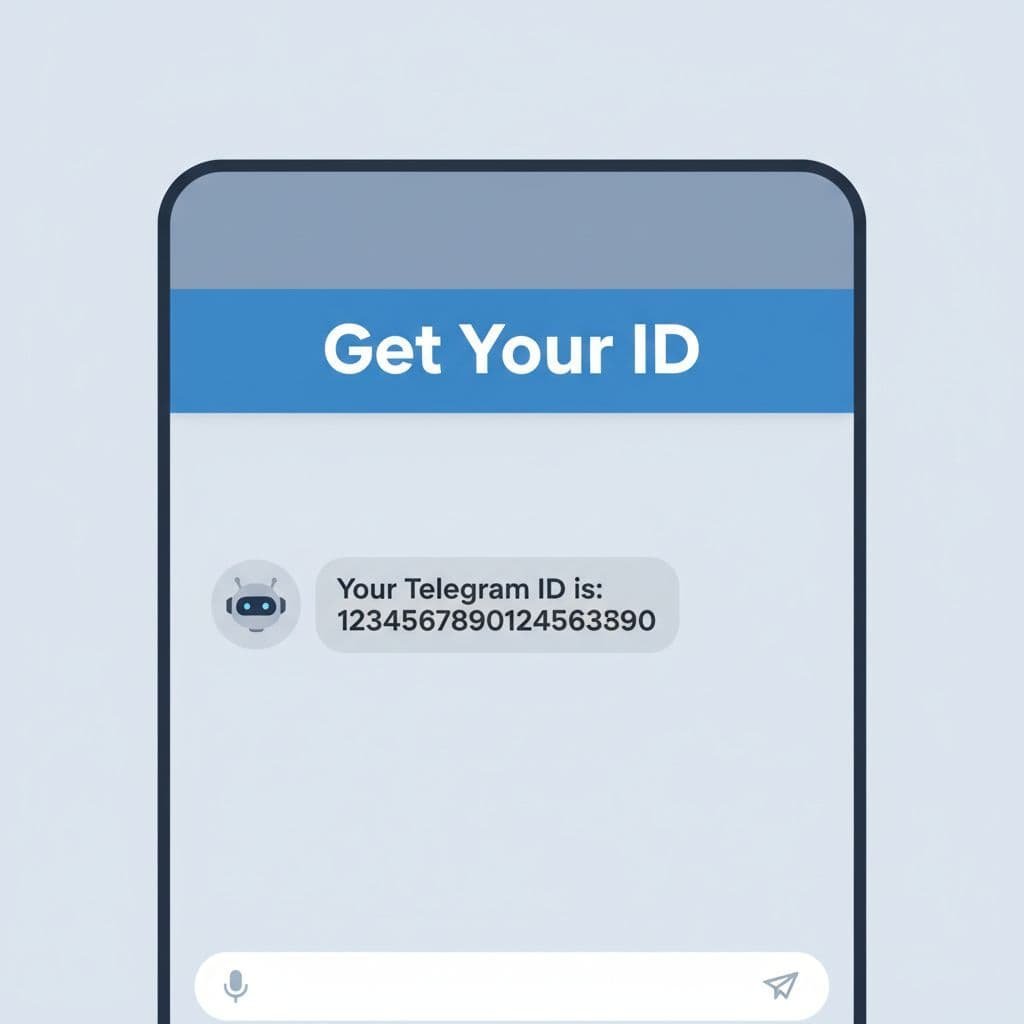
- Wait for the reply. It should show your chat ID, username, and other basic account details.
The response usually shows up almost right away. You may also see a little account info with it, which helps confirm you’re pulling the number from the correct profile and not another account still logged in on the same app.
If you were searching things like “how to get chat ID Telegram,” “Telegram get chat ID,” or “how to find Telegram chat ID,” this is the easiest route for a personal account.
Your personal ID is unique to your account. Copy the full number exactly as shown.
On mobile, press and hold the number to copy it. On desktop, highlight it and copy it the normal way. Then paste it into whatever asked for it, whether that’s a bot setup page, an automation platform, or another tool that needs your Telegram destination.
Don’t let the format throw you off. The number can look long and random because it is system-generated. That doesn’t mean anything is wrong. If you lose it later, you can run the same process again and get it back.
How to get a Telegram group chat ID

A group works a little differently. For a personal chat, the bot only needs to talk to you. For a group, the bot has to be inside that group before it can read the right Telegram group ID.
Open the group you want to use and add the User Info bot as a member. If you don’t see an option to add it, the group may have restrictions and you may need help from an admin. If you skip this step, the bot has nothing to check, so it can’t return the correct group number.
- Open the target group in Telegram.
- Add the User Info bot to that group.
- Send any message in the group, even something simple like “hello.”
After that, go back to your private chat with the bot. Once it detects activity from the group, it should generate the group chat ID there. That same basic pattern is also described in this Stack Overflow answer about Telegram group chat IDs.
If the group ID starts with a minus sign, that’s normal.
That minus sign is what makes people think they’ve copied the wrong thing. You haven’t. Group IDs often start with “-“. Personal IDs usually don’t. Keep the minus sign when you copy it, because leaving it out can break the setup.
Each group has its own ID, so you can’t reuse one group’s number for another group. And if your goal is to get a Telegram channel ID, not a group ID, stop here and use a channel-specific method instead. Groups and channels are different, so the same Telegram get chat ID flow doesn’t always carry over.
What trips people up, and how to fix it fast
When the bot doesn’t respond, the problem is usually small. Most of the time, you either forgot to hit “Start,” you’re logged into the wrong Telegram account, or the bot was never added to the group you want to use. Another easy mistake is picking a lookalike bot with a similar name instead of the intended User Info bot.
For group IDs, the most common miss is adding the bot and then not sending any message. The group needs activity before the bot can return the number. Even one short message is enough. If nothing appears after that, go back to the bot chat, close it, reopen it, and run through the steps again.
Most failed setups also come from copying the wrong number or leaving off the minus sign. If you’re using a bot, an automation platform, or any service that asks for a Telegram bot chat ID, paste the full value exactly as Telegram showed it. One missing character is enough to make it fail.
If your screen looks a little different on desktop and mobile, that’s normal. Telegram changes layouts from time to time, and desktop doesn’t match the phone app exactly. The logic stays the same though: search for the bot, start it, then copy the ID it returns.
It’s smart to save the number somewhere private after you find it. Your chat ID isn’t a password, but it is still an internal identifier tied to your account or group. Keep it in a secure notes app if you use it often, and don’t post it publicly or hand it to services you don’t trust.
Prefer Visual Help? Watch the Step-by-Step Video Guide!
Struggling with How to Get Telegram Chat ID? Don’t worry—this video breaks it down step by step with clear, hands-on instructions. If you want the only working method that actually gets results, this video is for you!
Watch TutorialGet the number, then use it where it matters
Once you know the bot name, getting your Telegram chat ID stops feeling confusing. For a personal ID, open the bot and press “Start.” For a group ID, add the bot to the group and send a message first.
The weird-looking number is supposed to look weird. Long digits are normal, and the minus sign on a group ID is normal too. As long as you copy the full value from the right account or group, you’re set.
If a setup screen has been waiting on that one missing number, this is the part it wanted.
Frequently Asked Questions
Here are a few common questions people ask when finding a Telegram chat ID for bots, groups, or automation tools.