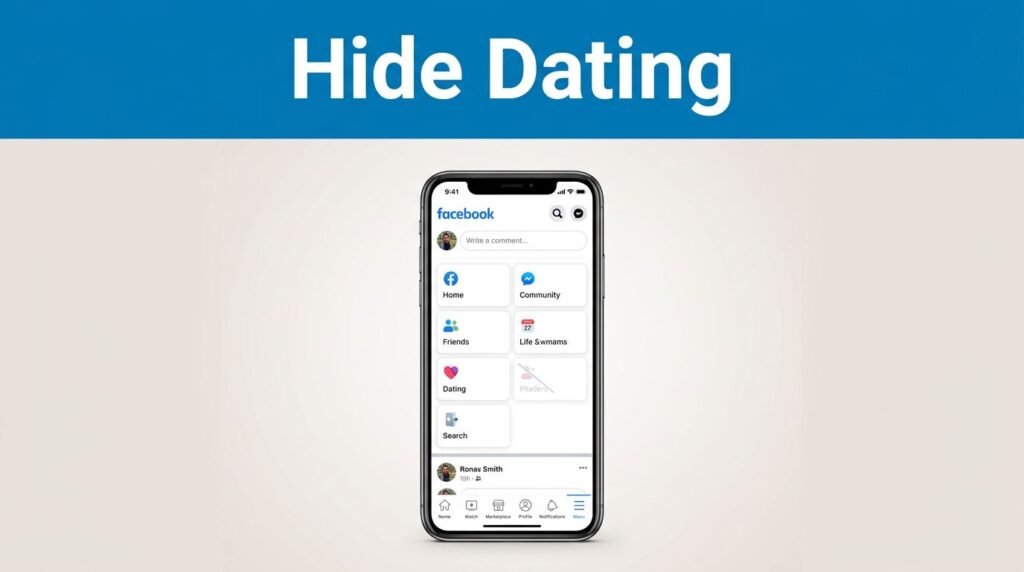
That Facebook Dating icon can feel like clutter when you never use it. If you’re trying to remove the Facebook Dating shortcut, a lot of searches sound the same, “how to delete Facebook Dating,” “how to turn off FB Dating,” or “how to remove dating from Facebook,” but this fix is about hiding the shortcut in the app, not deleting a Dating profile.
The good news is that it usually takes a minute. If one menu path doesn’t show up on your phone, Facebook gives you another way to hide it, and that’s the part most people miss.
Start in the Facebook menu, not the Dating tab
Before you change anything, open the Facebook app and make sure it’s updated to the latest version. An older version can move settings around, or hide options that should be there. If you’re trying to figure out how to remove dating from the Facebook app on iPhone or Android, starting with the latest app version saves you from chasing the wrong menu.
Next, tap the three-line menu icon. On some phones it’s in the top right. On others, it’s in the bottom right. Facebook changes small layout details between devices, so don’t get hung up on position. You’re looking for the main menu button with three stacked lines.
Once you’re in that menu, scroll down and tap Settings & Privacy, then tap Settings. This is where Facebook keeps most of the controls for your account and app layout.
If your goal is to remove FB Dating from the menu, hide the Facebook Dating icon, or get rid of the Dating tab without deleting anything else, this is the right place to start. You don’t need to open Facebook Dating itself to do it.
Use the Shortcut bar to remove Facebook Dating
For most people, the fastest way to remove the shortcut is through Facebook’s shortcut settings. If you’re looking up how to remove Facebook Dating icon, how to get rid of Facebook Dating icon, or how to remove dating icon from Facebook, this is the main path.
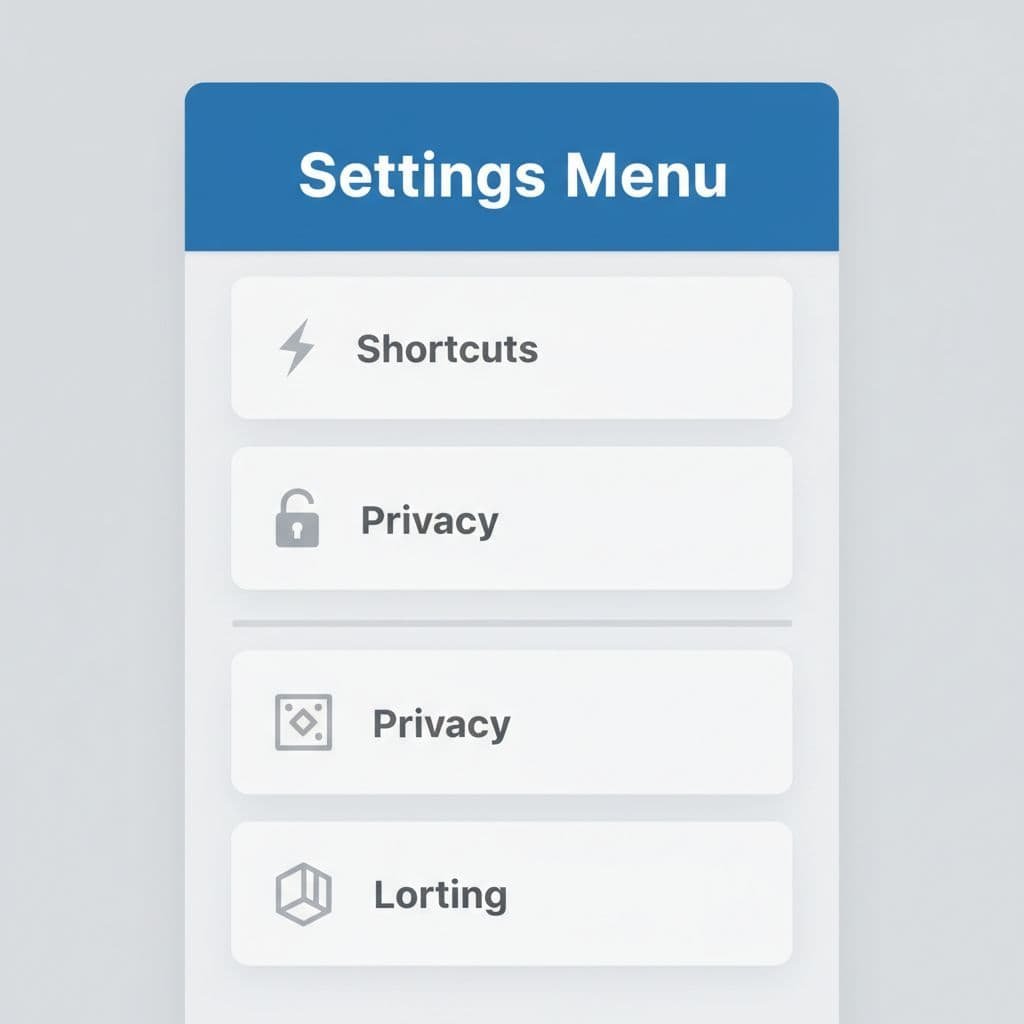
Follow these steps:
- Open the Facebook app.
- Tap the three-line menu icon.
- Scroll down to Settings & Privacy, then tap Settings.
- Go to Shortcuts.
- Tap Shortcut bar.
- Find Dating in the list.
- Turn the toggle off.
Once that toggle is off, the Facebook Dating shortcut should disappear from your main navigation area. That’s the cleanest answer if you’re trying to remove Facebook Dating from menu view without touching the rest of your account.
After you change it, go back to your home screen inside Facebook and check the top or bottom navigation area. If the icon is gone, you’re done.
This is also the method people usually mean when they search how to remove Facebook Dating shortcut or how to remove Facebook Dating. You’re hiding the app shortcut, not wiping out account data.
If “Shortcut bar” is missing, use the Edit menu
Sometimes Facebook doesn’t show the Shortcut bar option at all. That doesn’t mean you’re stuck. It usually means your app version or layout is using the edit shortcut view instead.
If you don’t see “Shortcut bar,” go back to the main menu and look for the pencil icon or an “Edit” option.
Here’s the second method:
- Tap the three-line menu icon again to return to the main menu.
- Look for the pencil icon or Edit menu option.
- Find Dating in the list of shortcuts.
- Tap Hide.
That “Hide” option removes the Dating shortcut from view. When you’re done, return to the Facebook home screen and confirm that the icon no longer appears.
This backup method matters because it’s often the answer when you’re searching how to remove dating from Facebook and the usual instructions don’t match what you see. Facebook’s menus don’t look identical for everyone, even though the end result is the same.
If you want proof that other people run into the same mismatch, this Reddit discussion about the missing Dating tab shows how inconsistent the shortcut can look from one app setup to another.
What this changes, and what it doesn’t
This part trips people up all the time. Hiding the shortcut is not the same thing as deleting Facebook Dating itself.
If your real question is “can you delete Facebook Dating,” “how do I delete my Facebook Dating profile,” “how do I delete my FB Dating profile,” or “how to delete FB Dating profile,” you’re asking about the profile or service, not the app shortcut. The steps here only hide the button.
Here’s the difference at a glance:
So if you searched for how to delete Facebook Dating, how do I delete Facebook Dating, or how to delete Facebook Dating icon, the key thing to know is this: removing the icon and deleting the profile are two different actions.
For a lot of people, hiding the shortcut is enough. You get a cleaner app, fewer distractions, and one less tab staring back at you every time you open Facebook.
If the icon is still there after you hide it
Most of the time, the change shows up right away. If it doesn’t, don’t assume the setting failed.
Try these quick checks:
- Close the Facebook app and open it again.
- Make sure the app is fully updated.
- Check both methods, first Shortcut bar, then Edit menu, because one may appear while the other doesn’t.
This works on both Android and iPhone, but the menu placement can look a little different. One phone may show the three lines at the top right, another at the bottom right. That part is normal. What matters is getting into the menu, then finding either Shortcuts or Edit.
A good final check is the simplest one. Go back to your Facebook home screen and look at the navigation area where the Dating icon used to sit. If it’s gone, the setting worked.
A cleaner Facebook app in two minutes
If you wanted to know how to remove Facebook Dating shortcut, the quickest route is still the same: go into Facebook settings, open Shortcuts, then turn off Dating in the Shortcut bar. If that option isn’t there, use the Edit menu and tap Hide instead.
A lot of searches ask how to delete dating on FB, how to remove Facebook Dating, or how to delete Facebook Dating icon, but for this specific issue, you usually don’t need anything drastic. You only need the shortcut out of sight.
Once the icon disappears from your home screen, your app feels a little less crowded, and that’s the whole win.
Frequently Asked Questions
Quick answers to common questions people ask about removing the Facebook Dating shortcut.
Want To Learn How to Stream on Facebook With OBS? Here’s a Step-by-Step Guide Article on how to do so.