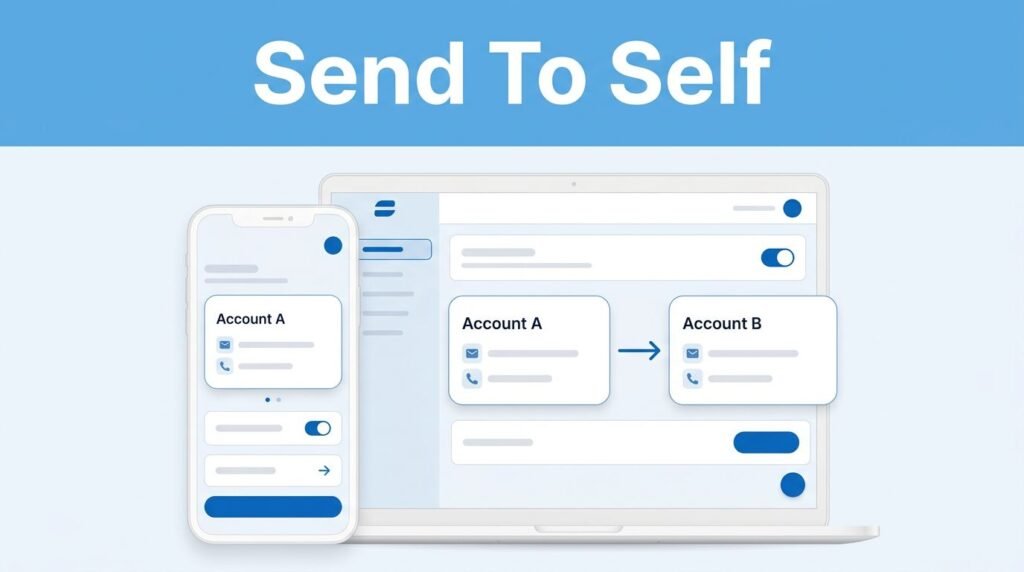
If you are wondering how to send money to yourself on Zelle, you can successfully complete the transfer as long as you have two different bank accounts at a participating bank or credit union. Because the platform is designed for person-to-person transfers, the system requires each account to be enrolled with unique contact information. Specifically, you must link one account to a primary email address and the second account to a different U.S. mobile number.
You cannot register the same email address or phone number for both accounts simultaneously. Once you have configured each profile with distinct credentials, you can easily send a payment from one account to the other, following the same steps you would use when sending money to a friend or family member.
Key Takeaways
- Use Unique Identifiers: To send money to yourself, you must enroll each of your bank accounts with Zelle using a unique email address or U.S. mobile number.
- Dual-Account Requirement: You need two separate, active bank accounts at participating institutions; you cannot use the same contact identifier for both accounts.
- Fast Transfers: Once both accounts are properly registered, payments sent from one to the other typically arrive within minutes.
- Verify Before Sending: Always double-check the recipient’s mobile number or email address before confirming the transfer, as Zelle payments are generally irreversible.
What You Need Before You Send a Zelle Payment to Yourself
Before you send money to yourself with Zelle, verify that each bank or credit union account is active and supports the service. You can typically find Zelle integrated directly into your mobile banking app or through your online banking portal, though the exact menu name may vary depending on your financial institution.
You will need two separate accounts to successfully move funds from one bank to another. For example, you might want to transfer money from a checking account at one institution to a savings account at a different one. To do this, you must enroll with Zelle using unique identifiers for each account to ensure you can effectively send and receive money.
Follow these steps to set up your accounts correctly:
- Register your first bank account using your email address.
- Register your second bank account using your mobile phone number.
- Ensure you have login access to both banking apps before you attempt the transfer.
This process is where many users encounter confusion. Because Zelle uses your email address or phone number to route payments, the service requires unique contact details for every account. If you attempt to use the same contact information for both, Zelle will not know which account should receive the funds.
Your email address and mobile number should each be connected to only one Zelle enrollment at a time.
Set Up Each Account With a Different Zelle Contact Detail
Open the mobile banking app for the bank account you want to send money from first. Look for a section called Zelle, Send Money, Payments, or something similar.
If you have not enrolled that account yet, you must enroll with Zelle using your email address when the app asks how you want to receive payments. Your bank may send a verification code to confirm that you own the email address. Enter the code and finish the enrollment process.
Next, open the mobile banking app for the separate bank or credit union account that will receive the payment. Enroll with Zelle for this second profile using your U.S. mobile number instead. Confirm the number if the financial institution sends a text message with a verification code.
After both accounts are enrolled, you have two unique ways for Zelle to find you. Because these are different bank accounts, this dual-enrollment setup prevents technical conflicts:
This setup answers a common question: can you Zelle yourself from one bank to another? In many cases, yes, as long as both of your different bank accounts are eligible and have separate enrollment details.
How to Send Money to Yourself With Zelle
Once your accounts are configured, the actual transfer process is simple and fast. Funds typically arrive in your account within minutes. To begin, log into the mobile banking app of the account that currently holds the funds.
Open your bank or credit union app and sign in.
Navigate to Zelle, Send Money, or the designated payment section. You may see a Zelle logo, though some institutions integrate this feature within a general transfers menu.
Choose the option to send money to a new or existing contact. You can manually enter the email address or U.S. mobile number connected to your second bank account, or use a QR code for faster, more accurate contact entry. If your first account is linked to your email address, enter the mobile number registered with the second account. If the setup is reversed, use the second account’s email address instead.
Type the amount you want to move. Be sure to keep your bank’s daily and weekly limits in mind, as these Zelle limits can vary significantly by financial institution.
Review the recipient information and the transfer amount. Carefully check every digit of the U.S. mobile number or every character of the email address before proceeding. Be cautious and verify the details to avoid an imposter scam, as sending money to an incorrect identifier could result in the funds going to an unintended recipient.
Tap Send, Review, or Confirm, depending on the specific labels in your mobile banking app.
A confirmation screen usually appears after you complete the payment. It is a good practice to save the transaction details if you are transferring a larger amount or simply maintaining personal financial records.
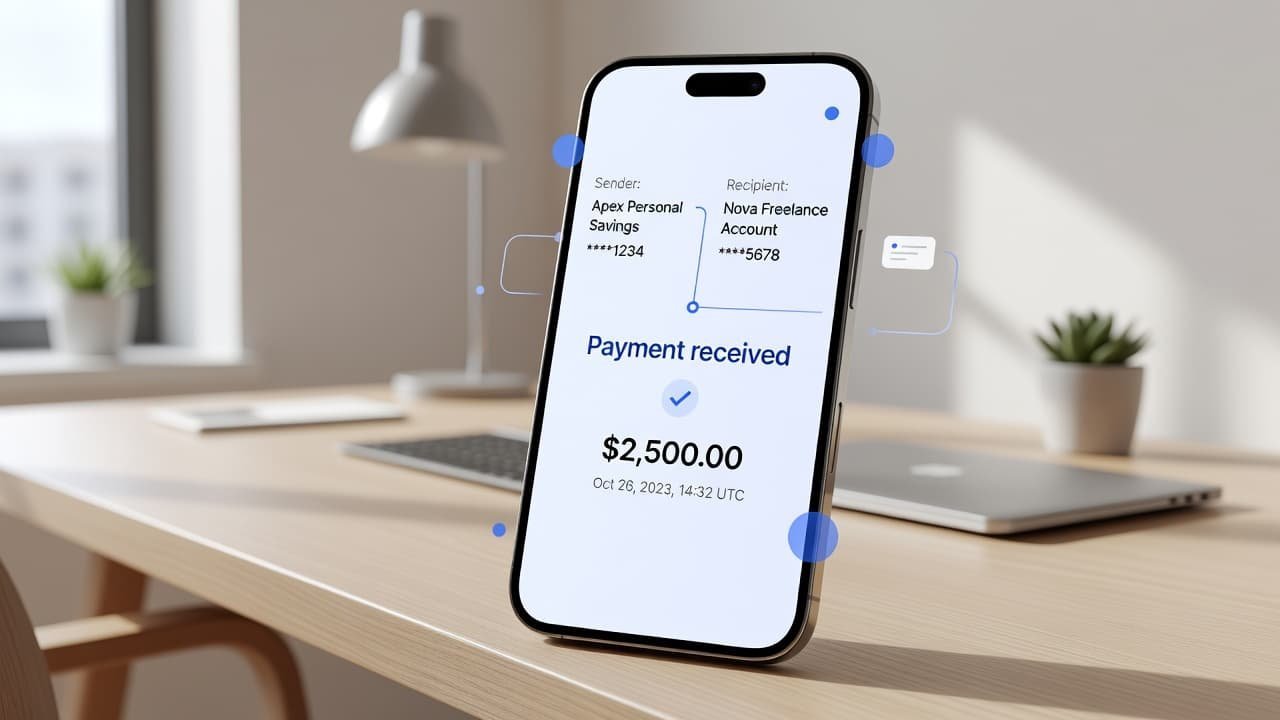
A common mistake is selecting the wrong saved contact or accidentally typing the identifier linked to the sending account itself. Always double-check that you are sending money to the specific email address or U.S. mobile number associated with your secondary bank account to ensure a successful transfer.
Check the Receiving Bank Account
After you initiate the transfer, open the mobile app for your second bank or credit union. Look at your account activity, notifications, or Zelle payment history for the incoming transfer.
In many cases, the money arrives within minutes. Timing can vary based on your financial institution, account status, and whether the receiving account has finished the process to enroll with Zelle. Once the connection is established, you can send and receive money between your accounts quickly and reliably.
If you don’t see the transaction right away, don’t attempt to transfer funds again immediately. First, check the original transaction in the sending account. Look for a status such as pending, completed, or failed.
Here is what each status usually tells you:
- Pending: The payment is still being processed. Wait and check both accounts again.
- Completed: The payment was sent to the email address or phone number you entered.
- Failed or canceled: Review the recipient details and any message from your bank before trying again.
If the payment shows as completed but hasn’t appeared in the second account, confirm that the email address or mobile number is correctly linked to that specific bank or credit union. You may need to contact your bank for help if the status doesn’t update.
Things to Check Before You Zelle Yourself Money
Using Zelle as a personal transfer method can be convenient, but it is not the same as a standard bank transfer. Every bank or credit union manages its own limits, available options, and payment policies.
Before you send money to yourself Zelle-style, check these details:
- Both your personal or small business account must be eligible for Zelle.
- The receiving email address or U.S. mobile number must match the second account’s Zelle enrollment.
- Your bank may limit how much you can send per day, week, or month.
- Your mobile banking app or online banking portal may show slightly different menu names depending on the platform or device.
- Each institution has specific rules that may affect transfers between accounts you own.
You may also be wondering, can I send money with Zelle to myself at another bank? The method works when both of your financial institutions support Zelle and allow the transfer. If your bank does not offer Zelle or will not let you enroll the way you need, use its regular external transfer or ACH transfer option instead.
Keep your contact details current. If you change your phone number or email address, update your Zelle enrollment before moving money. An old number can cause a transfer to go to the wrong place or fail to reach your second account.
Common Problems When Sending a Zelle Payment to Yourself
If you cannot find the service in your banking app, check the payment, transfer, or bill pay section. Some banks or credit unions do not place the feature directly on the home screen. Regularly updating your app ensures you have the latest fraud protection and interface improvements.
If you encounter an error stating your email or phone number is already in use, it is likely already linked to another account. You must successfully enroll with Zelle using a unique identifier for each account, which may require removing or changing your current enrollment settings.
Another frequent issue involves sending funds before the second account is fully verified. Always complete any email or text message confirmation requests sent by your financial institution. Remember that once you send a payment to an enrolled user, it is often difficult or impossible to cancel a payment, so verify your details carefully.
As you manage your online banking accounts, stay vigilant against security threats. Zelle is intended for transactions between people you know and trust, including yourself. To avoid falling victim to an imposter scam, never share your banking password, verification codes, or personal login details with anyone. Protecting your credentials is the most effective way to keep your accounts secure while transferring funds.
Questions You May Still Have
Can I send a Zelle to myself using the same contact details?
No. You cannot share a single U.S. mobile number or email address across multiple bank accounts. Each bank account requires a unique identifier to register with Zelle. If you do not have a second phone number, you can use an alternative email address or a Zelle tag to distinguish your accounts.
Can you send money to yourself through Zelle instantly?
While the payment often arrives within minutes, it is not guaranteed to be instantaneous. The speed of the transaction depends on your bank’s specific processing policies. In most cases, you can expect the funds to be available within minutes of the transaction being completed.
Are there fees to transfer money between my own accounts with Zelle?
Most financial institutions do not charge a fee for standard Zelle payments. However, fee structures vary by provider. Always check your bank’s specific fee schedule or the payment summary screen before confirming your transfer.
What if I sent money to the wrong email address or phone number?
Contact your bank immediately. Because Zelle payments move so quickly, there is often no way to cancel a payment once it has been processed and sent to the recipient.
Can I set up a recurring payment to myself?
Zelle does not currently support a native recurring payment feature for automatic transfers. If you need to move money between your own accounts on a regular schedule, you will need to initiate each Zelle transfer manually each time you want to move the funds.
Prefer Visual Help? Watch the Step-by-Step Video Guide!
Struggling with How to Send Money to Yourself on Zelle? This video visually walks you through the steps so you can follow along more easily.
Watch TutorialMoving Money Between Your Own Banks
To Zelle yourself money, use two eligible accounts and keep their Zelle contact details separate. Send the payment from the first account to the email address or mobile number connected to the second one, then check the receiving account before making another transfer.
Ultimately, your bank or credit union provides a safe and reliable way to send and receive money between your own accounts. The ability to transfer funds quickly is a major benefit, as the convenience of receiving money in minutes makes this a viable alternative to other traditional methods. Always remember to use your online banking dashboard to track these personal movements and ensure everything is documented.
The safest habit is simple: review the recipient detail and amount every time. A few extra seconds before you tap Send can save you from sending money to the wrong place.
Want to learn How to Create a Zelle Account Through Your Bank? Here’s a Step-by-Step Guide Article on how to do so.