If you are wondering how to use Zelle, the process is straightforward. You can move funds directly through your mobile app or your financial institution’s online banking portal using the recipient’s email address or U.S. mobile number. The most important requirement is that both you and the person you are paying must have access to the service through a participating U.S. bank or credit union.
Once you connect your bank account to the service, you can easily send money to friends, family, or people you trust. When someone sends funds to you, you can receive money directly into your account without needing to handle cash or checks. Because Zelle transfers are typically completed in minutes, you should always treat the transaction like handing someone physical cash. Please double check the recipient information and the payment amount before you confirm the transfer to ensure accuracy.
Key Takeaways
- Use Only with Trusted Recipients: Zelle is designed for transferring funds to friends, family, and people you know personally, as it does not offer purchase protection for authorized payments.
- Verify Before Sending: Because transfers are completed in minutes and are typically irreversible, always double-check the recipient’s email address or U.S. mobile number and the payment amount before confirming.
- Enroll via Your Bank: Most major financial institutions have Zelle integrated directly into their existing mobile apps or online banking portals, removing the need for third-party software.
- Prioritize Security: Be cautious of imposter scams and never click suspicious links; always initiate transactions through your bank’s official app to ensure your account remains safe.
Start by checking whether your bank supports Zelle
Most major US banks include Zelle directly within their mobile app, so you usually do not need to download an additional application. Simply open the mobile app for your financial institution, sign in, and look under sections labeled Payments, Transfer, Move Money, or a similar menu.
The name can look a little different depending on your specific provider. You may see options such as Send money with Zelle, Zelle, or Send and receive money.
Use your official online banking portal or mobile app and log in securely. If you cannot find the Zelle option, check your financial institution website or contact its support team to confirm whether it participates.
A Zelle transfer is meant for people you know and trust. Confirming the wrong email address or phone number can send money to the wrong person.
Register with Zelle through your bank account
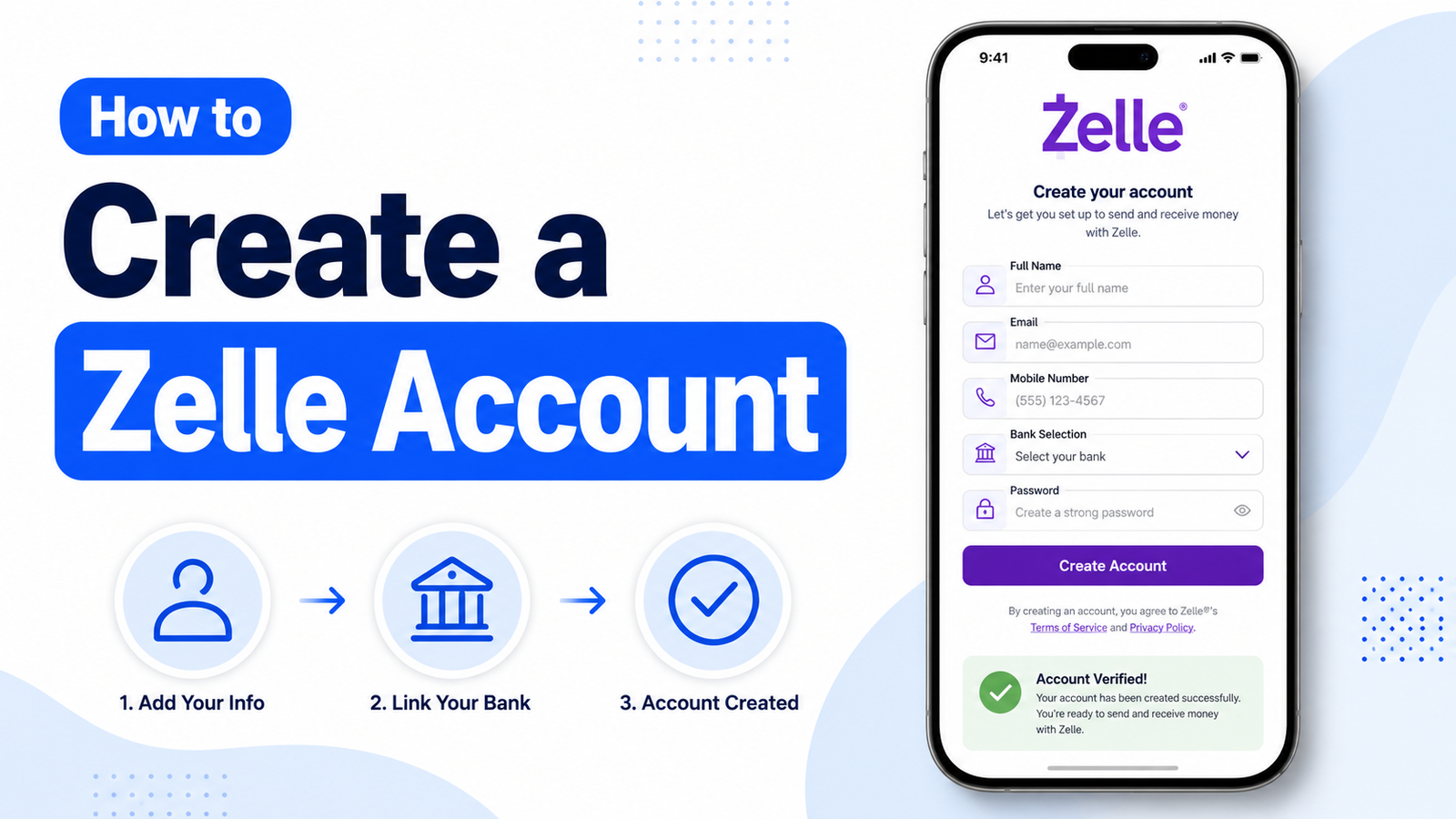
When you open Zelle for the first time, tap Enroll, Get Started, or the similar option shown in your app. This connects your Zelle bank account setup to the specific account you want to use for transactions.
You will normally need:
- Your bank’s mobile app and login details
- A valid email address or U.S. mobile number
- A checking account or savings account to send and receive funds
Choose either an email address or U.S. mobile number to register with Zelle. That contact detail is how other people can find you when they want to send you a payment.
Next, link your preferred account. While most users link a checking account, some users may link a savings account depending on the policies of their financial institution. This is where money originates when you send a payment and where incoming funds are deposited when you receive money with Zelle. Your bank may ask you to verify your phone number or email address before you are officially enrolled and ready to use the service.
How to use Zelle to send money
Once enrollment is finished, sending money is usually only a few taps away. You can use your mobile app to send money quickly, request money from friends, or even split an expense like a dinner bill with just a few simple steps. Here is how to send money through Zelle in most banking apps:
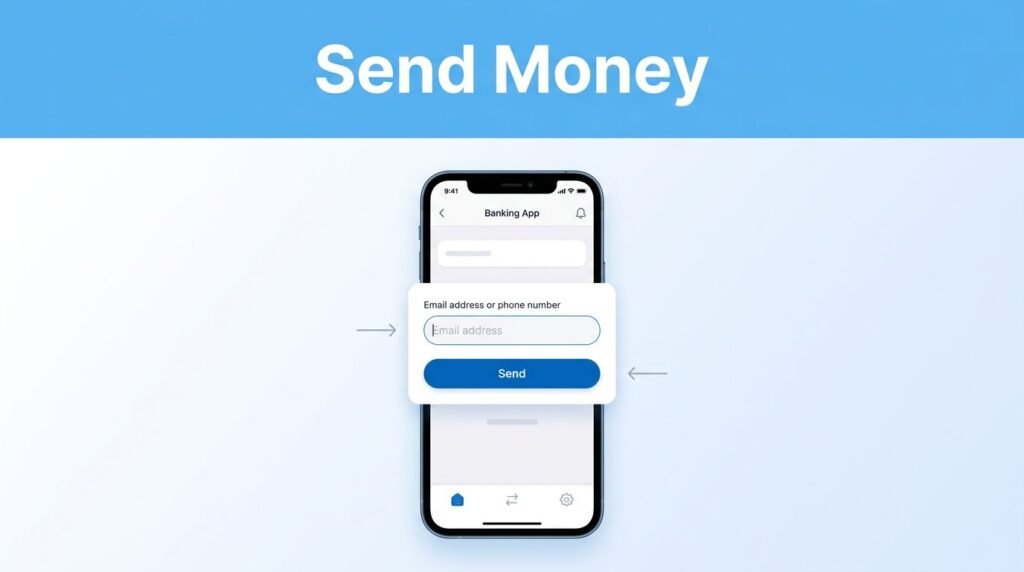
- Open your bank app and go to Zelle or Send Money.
- Tap Send.
- Choose someone from your contacts, or add a new recipient with their email address or US mobile number.
- Enter the amount you want to send.
- Review the recipient, contact information, and dollar amount.
- Tap Confirm, Send, or the final approval button.
[Insert an image here showing a mock-up of a mobile app payment screen.]
If you have asked how to send money with Zelle, the part that matters most is step five. A common mistake is selecting an old phone number from your contacts or typing one digit incorrectly. The mobile app may show a name or confirmation screen, but you should still verify the information before sending.
For example, if you are planning to split an expense like a $30 dinner bill, do not rush through the final screen because the amount looks familiar. Confirm that the payment is going to the right person first to ensure your funds reach the intended recipient.
What happens after you confirm a Zelle payment
After you confirm a transaction, the money is typically delivered within minutes if the recipient is already enrolled. The recipient does not need to accept the funds manually if their email address or U.S. mobile number is linked to their bank account. You can verify the status of your transaction by checking your banking app’s activity or transaction history.
It is important to note that you can only cancel a payment if it shows as a pending payment. This generally occurs if you send money to someone who has not yet enrolled with Zelle. Once the recipient is fully enrolled, the funds are sent directly to their account, and the transaction cannot be reversed. If you are sending funds for recurring payments, ensure you have the correct contact information to avoid sending money to the wrong person.
The amount you can send is determined by your financial institution. These transfer limits vary by bank and credit union, meaning your specific cap may be higher or lower than someone else’s at a different firm. Additionally, if you are using Zelle for a small business, keep in mind that your bank may have different rules or specific features tailored for commercial transactions. Always review your bank’s policy to understand your personal or business sending limits.
How to receive money from Zelle
Receiving money with Zelle is a seamless experience once you are enrolled. If someone sends funds to the email address or mobile number linked to your profile, the money usually goes directly into your connected checking account. Because enrollment handles the process in advance, you do not need to open a separate screen or tap an accept button to receive money each time someone pays you.
To simplify the process further, you can share your unique Zelle QR code or Zelle tag with friends and family. Using these identifiers makes it easier for others to send money to you without the need for them to manually type in an email address or mobile number.
Once the transaction is complete, you will typically receive a payment notification from your bank alerting you that the funds have arrived. You can also verify the deposit by checking your account balance or reviewing your transaction history. If a payment is taking longer than expected, confirm that the sender used the exact email address or US mobile number registered to your profile. This verification is helpful, as using an unregistered contact method is a common reason for delays when you try to receive money through the platform.
What to do if someone sends money before you enroll
If someone sends you money and you have not registered with Zelle yet, you will receive a notification with instructions on how to sign up. You generally have 14 days to become enrolled and claim the funds before the pending payment expires and the money is automatically returned to the sender. To ensure the transfer goes through smoothly, be sure to connect the same email address or phone number that the sender used.
Once you have successfully enrolled, the money will be directed to your linked checking account. It is important to act promptly, as waiting too long can delay the payment, especially if the sender used contact information you do not recognize.
Before entering any personal details, always verify that the notification is legitimate and directly from your bank or credit union. Avoid clicking on links from suspicious text messages or emails. Instead, open your bank’s official mobile app or website and look for the Zelle enrollment option directly within your account dashboard to safely receive your funds.
Keep Zelle transfers safe
Zelle is convenient, but its speed is exactly why you need to slow down before tapping the final button. Because Zelle transfers occur almost instantly, you should only send money to trusted recipients, such as family, friends, or local businesses you know personally.
It is important to remember that Zelle does not offer purchase protection for authorized payments. If you use Zelle to buy an item from someone you do not know and the product never arrives, you likely will not be able to recover your funds.
Protect Yourself from Scams Be wary of common scams. A frequent tactic is the imposter scam, where someone calls or texts pretending to be from your bank to trick you into sending money. Never share your account details or follow links from suspicious messages, even if they claim you were paid by mistake.
To stay safe, follow this quick verification checklist before every transaction:
Whether you are using an iPhone or Android device, the steps remain consistent: find Zelle within your banking app, choose your contact, enter the amount, and carefully review the details. By taking these precautions, you can help protect your account and avoid falling victim to fraudulent activity.
Common Zelle questions
How does Zelle work if the recipient is not enrolled?
The recipient is notified and asked to enroll using the email address or US mobile number you used. They should complete enrollment quickly so the money can be deposited into their linked bank account at their financial institution.
How do you send money with Zelle to a new person?
Choose Send, then add the person’s email address or US mobile number as a new recipient. Double-check every detail before you send money to ensure accuracy, because you may not be able to reverse a completed payment.
Why can’t I find Zelle in my banking app?
Your bank may not support it, the feature may be listed under another menu name, or you may need to update the app. Look under payment and transfer options first, then check directly with your bank.
Can I use Zelle for business payments?
While some financial institutions offer Zelle for a small business account, you should primarily use the service for people you know and trust. Zelle does not offer purchase protection for commercial transactions, so it should not be used to pay for goods or services from unknown sellers.
Prefer Visual Help? Watch the Step-by-Step Video Guide!
Struggling with How to Use Zelle to Send and Receive Money? This video visually walks you through the steps so you can follow along more easily.
Watch TutorialUse Zelle with the same care as your bank account
Zelle is fast because it is built into many banking apps and sends money straight to a linked account. When you use your bank’s mobile app, always enroll with the email address or US mobile number you actively use. It is important to verify both the recipient and the amount before every transfer to ensure your funds reach the right person.
The few seconds you spend reviewing a payment are worth it. As long as you only send funds to trusted recipients, Zelle provides a secure and efficient way to move money. By taking these precautions and keeping your bank account information protected, you can ensure that sending and receiving money with Zelle remains a quick and simple experience.
Want to learn How to Send Money to Yourself on Zelle? Here’s a Step-by-Step Guide Article on how to do so.