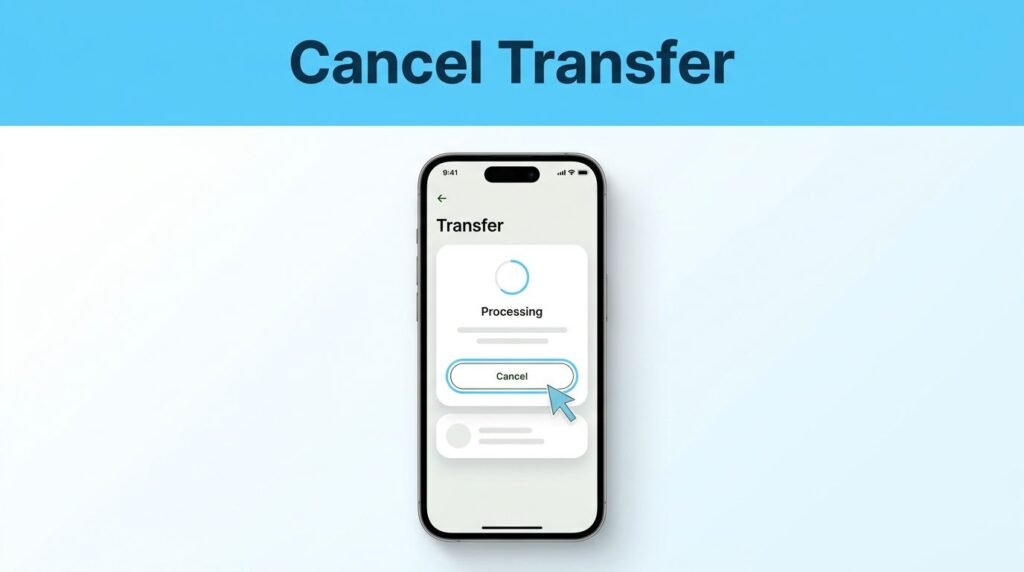
If you need to cancel a Wise transfer, you should act quickly before the payment reaches your recipient. When you use Wise to send money, timing is everything, and the option to stop a transaction is only available while the payment is still processing. This guide will explain How to Cancel a Wise Transfer effectively.
This guide explains how to manage your transactions on the Wise app and website, what happens to your funds once a cancellation is successful, and what steps to take if the cancel button is no longer visible.
Understanding How to Cancel a Wise Transfer can save you from potential issues, so be sure to follow the steps carefully.
Key Takeaways
- Act immediately: You can only cancel a Wise transfer while it is still in the ‘processing’ stage; once the status changes to ‘completed,’ ‘sent,’ or ‘delivered,’ the transaction cannot be reversed.
- Locate the cancel button: To stop a payment, open your transaction from the Home or Activity screen; if a ‘Cancel transfer’ option is visible, you are still within the window to stop the transaction.
- Understand the refund process: Once canceled, Wise automatically initiates a refund to your original payment method, though it may take 1 to 3 business days for the funds to reflect on your bank or card statement.
- Verify before you send: To avoid the need for cancellation, always double-check the recipient’s details, currency, and amount before confirming your transfer.
Check whether your transfer can still be canceled
You can cancel a Wise money transfer only if Wise has not finished the transaction. Start by opening your account and checking the current transfer status to see if the payment is still eligible for cancellation.
If the dashboard displays a pending transfer, you are in luck and may still be able to stop it. If the status says completed, sent, or delivered, the funds have already left Wise, meaning you cannot cancel the transaction through the app or website.
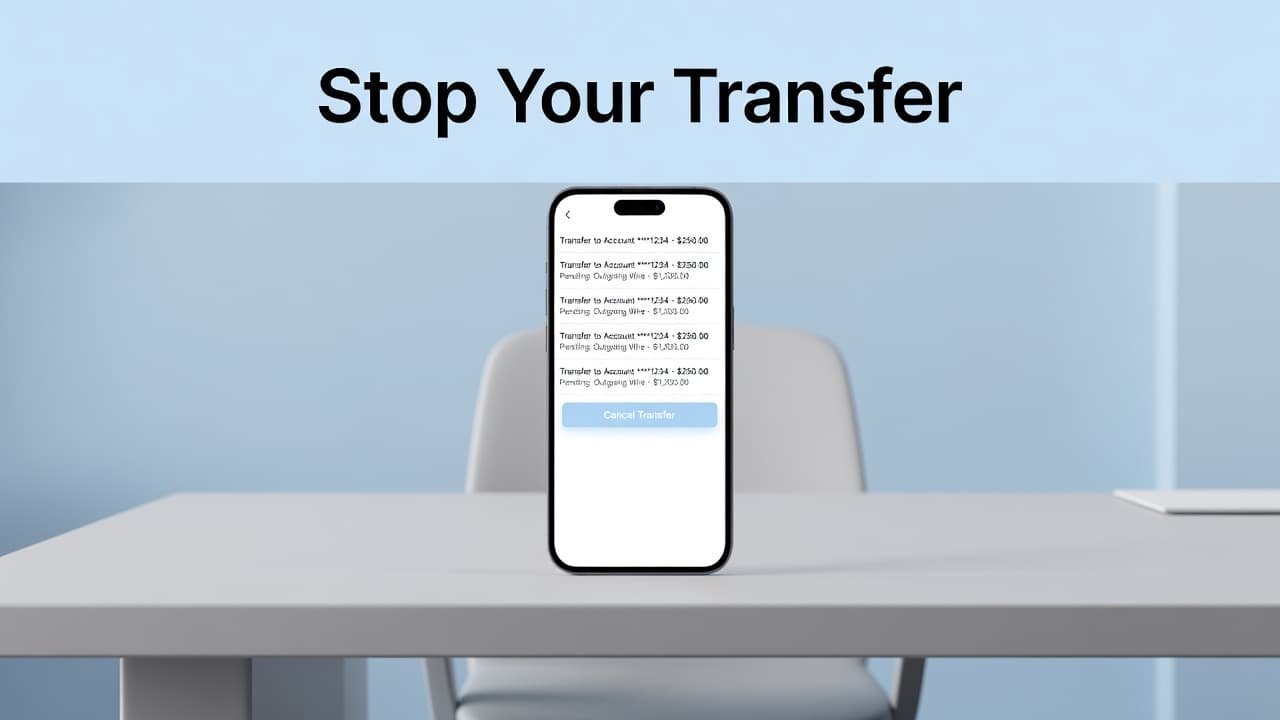
The presence of the cancel button is the deciding factor. If you can see it on the screen, Wise still allows you to stop that payment.
This process can sometimes be confusing, especially when you send money internationally, as payments may appear to move quickly depending on the method used. A transfer in processing status may still be retractable, so do not assume it is too late until you have verified the details. Always act quickly before the bank transfer is finalized.
For US Wise users, the process is the same: locate your transaction, verify the status, and use the available cancellation controls before the funds are paid out.
How to cancel a transfer on Wise
You can manage your payments on an iPhone, Android phone, or computer. While the interface may vary slightly based on your device, the transfer details page is the central hub for managing your money.
- Open the Wise app on your mobile device, or sign in through the Wise website on your computer.
- Navigate to your Home screen or the activity list to view your recent transactions.
- Select the specific transfer you want to stop. Before you proceed, verify the recipient name, amount, and currency to ensure you are not canceling the wrong payment. This is especially important if you realized you entered the wrong recipient details or incorrect bank account details.
- Look for the Cancel transfer or Stop transfer option. In the mobile app, you may need to tap the three dots in the upper-right corner of the transfer details screen. Verify the bank account details before clicking cancel.
- Review the final confirmation screen and click the cancel button to proceed.
Wise will stop the payment once you confirm your choice. Their official transfer cancellation instructions also note that the option to stop the payment appears within the specific transfer details.
If you were searching for how to stop a Wise transfer, how to stop a transaction on Wise, or how to cancel a pending transaction on Wise, simply follow these steps. Next time you set up a transfer, take a moment to double-check your information to avoid needing to use the cancel button later.
What happens after a Wise transaction is canceled
Once you cancel a transfer, Wise initiates the refund process immediately. You will typically receive a full refund, and your money back will be sent to the original payment method you used, such as your Wise balance, bank account, debit card, or credit card. The transfer fee is also usually returned if the money has not been converted yet.
While Wise stops the transaction quickly, the time it takes to see the funds depends on your bank. It may take 1 to 3 business days for the credit to appear in your account. If you paid with a debit or credit card, do not be concerned if the refund is not instantaneous, as it often takes a few days for the transaction to clear on your bank statement.
Make sure to check your original payment method rather than just your Wise balance. In some cases, the returned payment may appear as a card refund or a reversal from your bank, rather than a new transaction from Wise.
When you can no longer cancel the payment
A transfer marked as completed, sent, or delivered cannot be stopped in the normal way. Once the transfer complete status appears, it means Wise has finished the process and the funds have already reached the recipient bank, so the cancel window has closed.
This is why speed matters when you need to send money if you enter the wrong amount, select the wrong recipient, or notice a mistake in the payment details. When you send money, Wise locks in a guaranteed rate for your transfer based on the mid-market exchange rate. If the transfer has already moved to the completed stage, this rate will no longer apply, and the transaction is final.
If the money went to the wrong person, contact the recipient and ask them to return it. Wise also has guidance for sending money to the wrong person, including what to do when cancellation is no longer available.
You can also reach out to customer support for advice if you need help understanding the transfer status or refund process. While they can explain your options, they cannot undo a payment that has already been delivered to the recipient bank.
If the cancel button is missing
A missing button usually means the transfer has moved too far along in the process to be canceled. When you log in to your Wise account to manage payments, navigate to your activity list to see all transactions. Open the transfer details and read the full information provided rather than relying only on the main dashboard.
A common mistake is treating processing and sent as the same thing. They are not. Processing means Wise may still be working on the payment, though sometimes identity verification can delay the process. Sent or completed means the money has left Wise. Always verify the specific transfer status to understand where your funds are located. If the payment was rejected by bank, Wise will notify you, which is a different scenario than a standard cancellation.
If you have multiple transfers with similar amounts, slow down before confirming any changes. Check:
- The recipient name
- The amount and currency
- The date and time of the transfer
- The current transfer status
For a scheduled transfer, open that individual payment from your activity list and check whether Wise shows a cancellation option. If you are trying to figure out how to cancel a scheduled transfer, be careful not to cancel a separate completed payment by mistake.
Keep your app updated and turn on Wise notifications if you can. A quick payment notification may give you enough time to catch an error before the transfer is finished.
Common questions about Wise transfer cancellation
Can you cancel transfers on Wise after they are completed?
No. Once the status says completed, sent, or delivered, and you have received the transfer complete notification, Wise cannot cancel the payment through the transfer screen. If the transfer was successful because the bank account details were incorrect, your best next step is to contact the recipient directly and review Wise’s options for completed transfers.
Can I cancel my transfer if I used a card?
Yes, provided the transfer still shows a cancel option. Once you confirm the cancellation, Wise will start a refund to your wise account, though your card issuer may take a few days to reflect this in your balance. You might wonder if it costs more to send money again if you cancel first, but Wise does not charge extra fees for these cancellations.
How do you cancel a transaction on Wise if it is stuck?
First, open the transfer and check its status. If you are trying to stop a bank transfer on Wise and it is still pending or processing, look for the Cancel transfer button. If there is no button available, the payment may already be sent or require further support review.
Prefer Visual Help? Watch the Step-by-Step Video Guide!
Struggling with How to Cancel Transfer on Wise? This video visually walks you through the steps so you can follow along more easily.
Watch TutorialThe key thing to remember
The quickest way to cancel your Wise transfer is to open it from Home or Activity and use the cancel transfer button while it is still processing. Once the payment is completed, your focus shifts from cancellation to contacting the recipient and Wise support.
Managing your wise account effectively means taking a moment to verify the details before you hit send. Since a bank transfer is the most common way to move money, you should always double-check the recipient, amount, and currency before it hits the recipient bank. A few seconds of review can save you from the stress of trying to stop a transaction after it has already gone through.