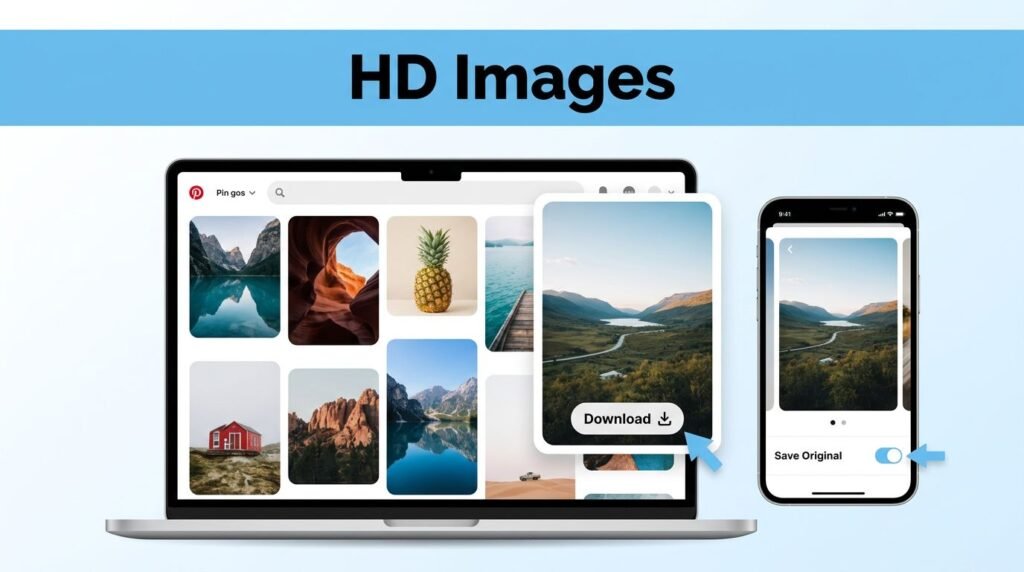
If you want to know how to download high quality images from Pinterest, the trick is simple. Open the pin in full view first, copy the pin link, then use a trusted downloader and choose High Quality or Original Size.
Most bad Pinterest saves happen for one reason: you grabbed a smaller preview instead of the full image. Once you avoid that, it’s much easier to save Pinterest images in HD on either your phone or computer.
Here’s the method that gives you the best shot at a clean, sharp file.
What matters before you start
Pinterest often shows optimized previews first so pages load faster. That looks fine while you’re browsing, but it can turn into a blurry mess when you try to download images from Pinterest straight from the feed or board view.
The important part is opening the image fully before you do anything else. When you tap or click the pin and let it load in its larger view, you’re more likely to work from the highest resolution Pinterest offers for that post.
If you skip Full View, your Pinterest image download can come out soft, pixelated, or smaller than expected.
This works whether you’re trying to download Pinterest photos on a desktop browser or save pictures from Pinterest on a phone. The steps are nearly the same, and the only real difference is where the finished file ends up after the download.
If you’re still choosing an image, search terms can help. Adding words like “HD,” “4K,” or “high resolution” can make it easier to find stronger source images, especially for wallpapers, mood boards, or design references. And once you find the perfect image, you can follow this guide to create a Pinterest pin step by step to share your own content.
How to download high resolution Pinterest photos
Open the pin in full view first
Start by opening the Pinterest app or the Pinterest website and finding the image you want. If you’re figuring out how to download Pinterest images without losing detail, don’t stop at the search results or board grid.
Tap or click the image so it opens larger on the screen. You want the pin’s full page, not the thumbnail preview.
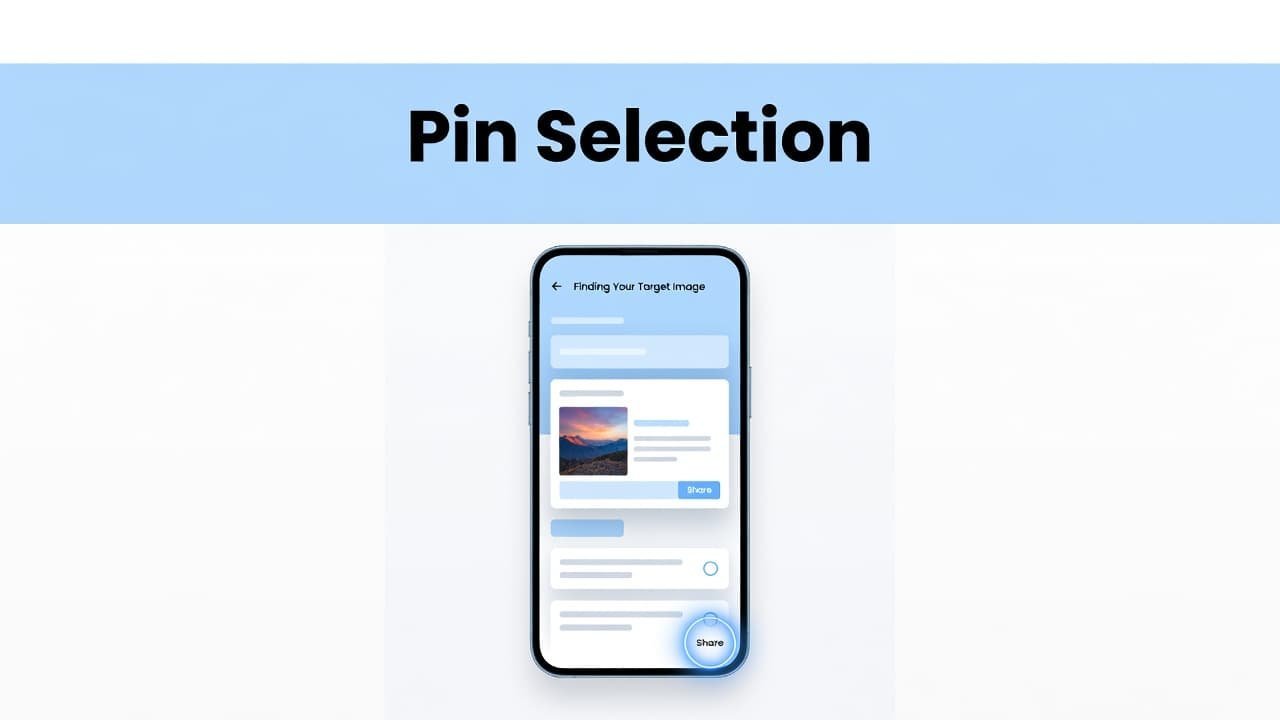
This is the step most people miss when they want a Pinterest high-quality image download. A preview might look sharp enough at first glance, but once you zoom in or use it in a project, the loss in quality shows up fast.
If you’re on desktop, avoid saving directly from the grid if you’re after the best version. If you’re on mobile, make sure the image is fully open and visible before moving to the next step.
Copy the pin link and use a Pinterest image downloader
With the image open, tap the Share icon and choose Copy link. On desktop, the share option may sit near the pin details, depending on the layout you’re seeing.
After that, open your browser and go to a trusted Pinterest image downloader website. Paste the copied URL into the download box.
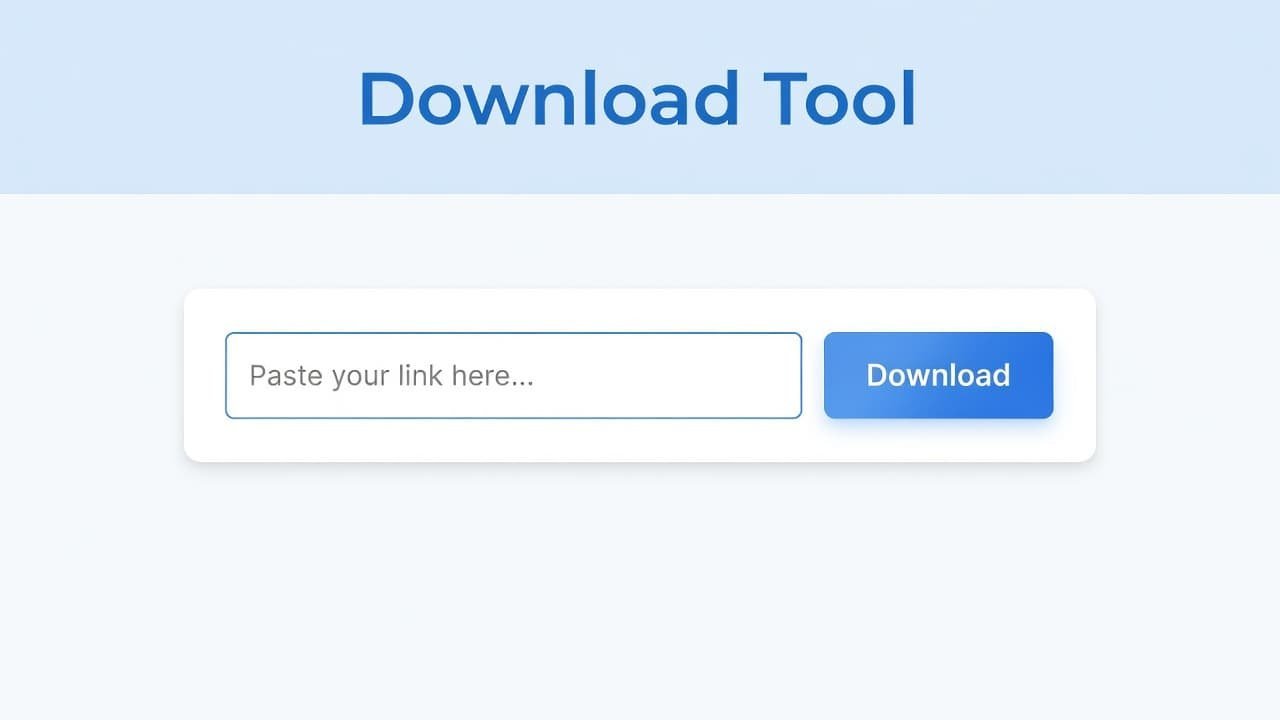
If the link doesn’t paste correctly, or the tool says the URL is invalid, go back and copy it again. A common mistake is copying the board link or a shortened share link that didn’t finish loading properly. For any Pinterest photo download, the exact pin URL matters.
This part is the bridge between the pin and the actual file. You don’t need a complicated setup. If the site has a clean input box and a clear Download button, you’re usually in the right place.
Pick the best quality option, then save the file
Once the link is pasted, tap or click Download. The tool will usually process the image for a few seconds before showing one or more file options.
Choose the one labeled High Quality, HD, or Original Size. Different tools use different wording, but the goal is the same: download high-resolution Pinterest photos instead of a compressed version.
If you see Original Size, pick that first. That’s usually the best option for how to download Pinterest photos in high quality.
After processing finishes, you’ll usually see a second Download button. Press it, then save the image to your device when your browser asks. On some phones, the save happens automatically. On others, you may need to confirm the download or allow photo access the first time.
If you’re wondering how to download photos from Pinterest on a computer versus a phone, this is where the path splits a little. The method is the same, but the save location changes.
Where your file goes, and how to check if it stayed sharp
On a computer, your Pinterest image download will usually land in the Downloads folder. On Windows or Mac, it’s worth renaming the file right away if you’re collecting a lot of images for different projects.
On a phone, the image usually goes to your Gallery, Photos, or Downloads folder. If you don’t see it, check your browser’s downloads list first. Some mobile browsers save there before the image appears in your photo library.
A quick quality check can save you from keeping the wrong file. Open the image and zoom in. If the edges look mushy, text inside the image looks rough, or fine details break apart, you probably saved a smaller version.
Here’s a simple way to spot the difference:
If your file passes the zoom test and looks clean at full size, you probably got the result you wanted.
Fix blurry downloads and avoid common mistakes
If the image looks blurry after saving, start over from the pin itself. The most common problem with any Pinterest image download guide is skipping the full-view step, then downloading the preview without realizing it.
Another common miss is choosing the first file option instead of Original Size. If the downloader gives you more than one choice, go for the largest or highest-quality version. If the site stalls while processing, wait a few seconds, refresh, or try again. Slow processing is often a site or connection issue, not a problem with the image.
If you’d like a second written reference, this friendly Pinterest image saving guide is also useful.
Be careful with the downloader site you use. Avoid tools packed with pop-ups, don’t install random extensions, and never sign in with your Pinterest account on a third-party page unless you fully trust it. A clean browser-based tool is usually enough for a Pinterest image downloader.
One more thing matters. It’s easy to save Pinterest images or download Pinterest photos for personal reference, but public use is a separate issue. If you’re using the image in something public, check the original source and give credit or get permission when needed.
Prefer Visual Help? Watch the Step-by-Step Video Guide!
Struggling with How to download high quality images from Pinterest? Don’t worry—this video breaks it down step by step with clear, hands-on instructions. If you want the only working method that actually gets results, this video is for you!
Watch TutorialThe one step that makes the biggest difference
If you only remember one part of this, remember Full View. That’s the step that usually decides whether you save a sharp file or a blurry preview.
Once you open the pin fully, copy the right link, and choose Original Size or High Quality, the rest is quick. If your first save looks bad, don’t keep retrying the same file, go back to the pin and start from the full image again.