How To Ish

Simple, Step-by-Step Tutorials for Everyday Tasks

  • Home
  • How-To Guides
    • Social Media How-To
      • YouTube How-To
      • Instagram How-To
      • Facebook How-To
      • X (Twitter) How-To
      • Telegram How-To
      • Pinterest How-To
      • Snapchat How-To
      • TikTok How-To
      • Discord How-To
    • Video Editing Software How-To
      • CapCut How-To
      • DaVinci Resolve How-To
      • Premiere Pro How-To
      • Descript How-To
    • Finance Platform How-To
      • QuickBooks How-To
      • PayPal How-To
      • Zelle How-To
      • Wise How-To
      • Stripe How-To
Menu
Expand search form

PayPal How-To

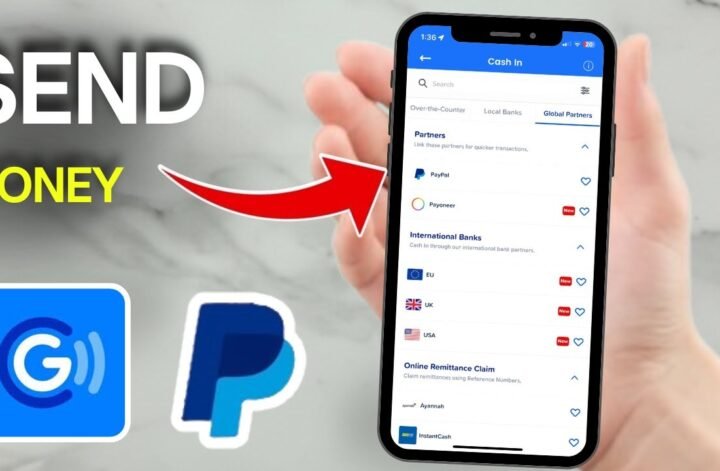
How to Send Money From GCash to PayPal
18/05/2026 No Comments
How To Send Money From Gcash To Paypal

If you are trying to send money from GCash to PayPal, the important thing to know is that this popular mobile wallet does not usually offer a true wallet-to-wallet transfer […]

Continue Reading

Canva How-To

How to Record Presentation in Canva (Simple Guide)

11/05/2026 No Comments
How To Record Presentation In Canva

Need to talk through your slides without opening a separate screen recorder? Canva already has a built-in option for that, and once you know where it lives, the process is […]
Continue Reading

Instagram How-To

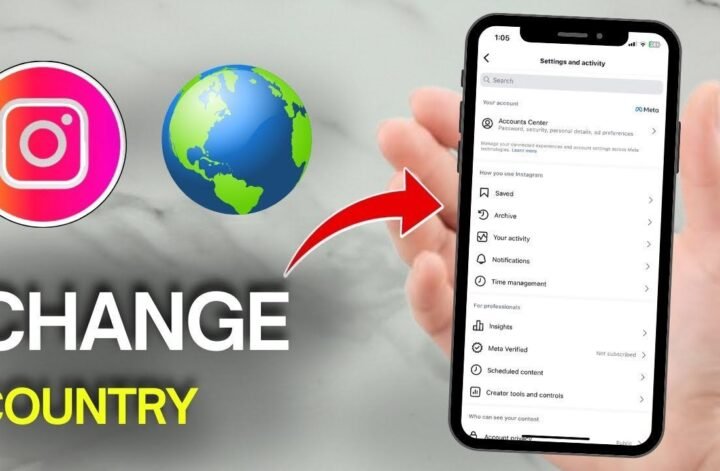
How to Change Country on Instagram (Simple Guide)

10/05/2026 No Comments
How To Change Country On Instagram

If Instagram keeps showing you the wrong place, the app can feel stubborn. The good news is that learning how to change country on Instagram is pretty simple once you […]

Continue Reading

Instagram How-To

How to Remove Music From an Instagram Post After Posting

10/05/2026 No Comments
How To Remove Songs From Instagram Post

Posted an Instagram post with the wrong track, or decided the music doesn’t fit anymore? You’re not the only one. Instagram doesn’t always put the option to remove music from […]
Continue Reading

Discord How-To

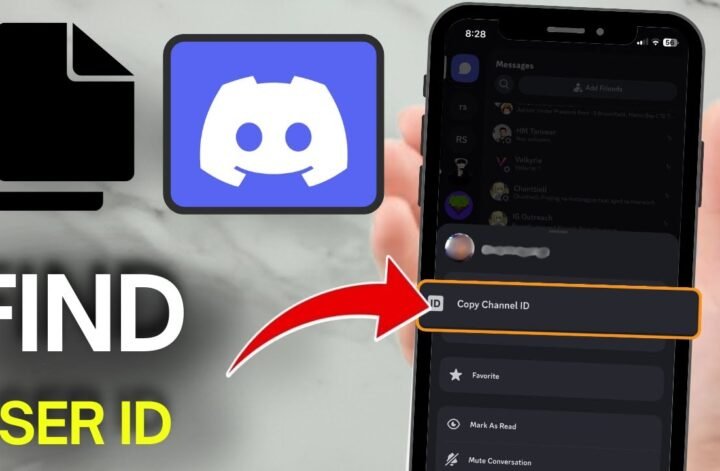
How to Find Discord User ID on Mobile and Copy It

09/05/2026 No Comments
How To Find Discord User Id On Mobile

Need to copy a Discord user ID on your phone, but Discord doesn’t show it anywhere obvious? That’s normal. The app hides user IDs by default, so if you’re trying […]
Continue Reading

PayPal How-To

How to Transfer Money From PayPal to PayPal

09/05/2026 No Comments
How To Transfer Money From Paypal To Paypal

Sending money to another PayPal account is quick, but the details matter. If you’ve been trying to figure out how to transfer money from PayPal to PayPal, you don’t need […]
Continue Reading

Instagram How-To

How to Switch Back to Personal Account on Instagram

12/09/2025 No Comments
How To Switch Back To Personal Account On Instagram

Switching back to a personal account on Instagram is easier than you might think, and it could help simplify your experience in a big way. Maybe you made your profile […]

Continue Reading

Instagram How-To

How to Recover Disabled Instagram Account

10/09/2025 No Comments
How To Recover Disabled Instagram Account

Losing access to your Instagram account feels stressful and unfair, especially when it happens suddenly. Maybe you logged in and saw that dreaded message saying, “We suspended your account.” Or […]
Continue Reading

Instagram How-To

How to Disable Similar Account Suggestions on Instagram

08/09/2025 No Comments
How To Disable Similar Account Suggestions On Instagram

Tired of seeing Instagram recommend accounts you don’t want to follow? You’re not alone. Many users want privacy or just less clutter in their feeds. In this guide, you’ll learn […]

Continue Reading

Instagram How-To

How to Hide Highlights on Instagram From Someone

07/09/2025 1 Comment
How To Hide Highlights On Instagram From Someone

Want to keep your Instagram life a little more private? If you’ve wondered how to hide highlights on Instagram from someone, you’re not alone. Instagram highlights are handy, but sometimes […]

Continue Reading
« Previous 1 … 7 8 9 10 11 … 13 Next »

About

Hi, I’m Ashley J. I make complex tools easy to understand by creating simple, practical guides you can use.

XOXO

Elsewhere
HowToish Logo

HowToish

Step-by-step tutorials to help you solve everyday problems faster.

Subscribe on YouTube

Latest Posts

  • 18/07/2026
    How To Change Email Address In Stripe

    How to Change Email Address in Stripe

  • 18/05/2026
    How To Apply For A Paypal Credit Card Getting A Paypal Credit Card Isn'T Hard. What Trips Most People Up Is Knowing Where To Find The Application, What Details To Enter, And What Happens After You Submit It. If You'Re Trying To Figure Out How To Apply For A Paypal Credit Card Online, The Whole Process Starts Inside Your Existing Paypal Account. Once You Know Where To Look, It Feels A Lot More Straightforward. Start Inside Your Paypal Account You Need An Active Paypal Account Before You Can Start A Paypal Credit Card Sign Up. Open The Paypal App Or Log In On The Website, Then Look For The Credit Or Card Section In Your Dashboard. That'S Where The Application Starts. If You'Re Checking Out The Paypal Credit Card In 2025, There'S One Detail Worth Catching Early Paypal Has More Than One Credit Product. The Card Option And The Paypal Credit Digital Line Are Different, And Paypal Explains That On Its Credit Card Vs. Paypal Credit Help Page [Httpswww.paypal.comuscshelparticlewhat-Is-The-Difference-Between-Paypal-Credit-Card-And-Paypal-Credit-Digital-Line-Help472]. Where To Find The Application The Path Is Usually Short On The Website, Sign In And Look For Paypal Credit, Wallet, Or A Card-Related Section. In The App, Sign In And Check The Area Where Paypal Shows Cards, Credit, Or Other Financial Products. When You See Apply Now, You'Re In The Right Place. If Your Account Shows An Option To Apply For Paypal Mastercard, The Paypal Mastercard Application Follows The Same Basic Path Log In, Open The Offer, And Start The Form. Fill Out The Paypal Credit Card Application Carefully Once You Click Or Tap Apply Now, You'Ll Be Taken To The Official Form. This Is The Part Where The Paypal Credit Card Requirements Matter Most. Have These Details Ready Before You Begin Your Full Legal Name Your Current Residential Address Your Social Security Number Your Income Details Paypal'S Own Cashback Mastercard Application Help Page [Httpswww.paypal.comuscshelparticlehow-Do-I-Apply-For-A-Paypal-Cashback-Mastercard-Help753] Says You May Be Asked To Confirm Personal Details And Income In The App Or On The Website. So Don'T Rush Through It. A Typo In Your Address, Name, Or Income Can Slow Down Your Paypal Credit Card Approval Or Lead To A Follow-Up Request. Before You Submit, Read The Terms And Conditions Carefully. Look At The Interest Rate, Any Annual Or Late Fees, And The Rewards Or Financing Details Attached To The Offer. If You'Re Wondering Whether It'S Worth It, This Is The Part That Gives You The Real Answer. What Happens After You Submit After You Send In The Paypal Credit Card Application, Paypal Performs A Credit Review. That'S Normal When You Apply For A Paypal Credit Card Online. You May Get One Of Three Outcomes Almost Right Away Approved, Declined, Or Asked To Provide More Information. If More Details Are Requested, Keep Everything Inside The Official Paypal App Or Site. That'S The Safest Way To Continue. A Fast Decision Is Possible, But Quick Paypal Credit Approval Isn'T The Same Thing As Automatic Approval. If You'Re Searching For A Magic Paypal Credit Card Credit Score Number, There Isn'T A Public Cutoff Listed In The Materials Here. So There Isn'T A Guaranteed Score That Leads To Paypal Credit Card Approval. Your Paypal Credit Approval Depends On The Lender'S Review Of The Information You Submit. This Is Also Where People Mix Up Products. A Paypal Debit Card Is Different From A Paypal Credit Card, And Moving Balance Between Gcash And Paypal [Httpshowtoishtutorial.comsend-Money-From-Gcash-To-Paypal] Is A Money-Transfer Process, Not Part Of A Card Application. What Happens Once You'Re Approved Once Approved, Your Account Is Linked So You Can Manage It From Paypal. If A Physical Card Is Part Of Your Approval, It Will Be Sent By Mail. After That, You Can Use It For Online Purchases, In-Store Transactions, And Any Financing Options Attached To The Account. That'S The Biggest Convenience Here. You Can Track Spending, View The Card, And Manage Payments From The Same Paypal Account You Already Use. No Extra Guesswork, No Hunting Around For A Separate Setup. For Online Checkout, The Benefit Is Obvious. The Card Works With Paypal'S Payment Flow, Which Makes It Easy To Use. In Stores, It Works Like A Regular Card. If Your Offer Includes Payment Flexibility, You Can Keep An Eye On That From Your Existing Dashboard. Final Thoughts Applying For A Paypal Credit Card Comes Down To A Few Simple Moves Log In, Find The Credit Section, Complete The Form, Review The Terms, And Wait For The Decision. If You Want The Process To Go Smoothly, Accuracy Matters More Than Speed. Get Your Details Right The First Time, And The Whole Thing Feels A Lot Less Intimidating.

    How to Apply for a PayPal Credit Card

  • 07/09/2025
    How To Hide Highlights On Instagram From Someone

    How to Hide Highlights on Instagram From Someone

  • 18/06/2026
    How To Fix Snapchat Support Code Ss06

    How to Fix Snapchat Support Code SS06

  • 24/05/2026
    How To Delete Business Portfolio On Facebook

    How to Delete a Business Portfolio on Facebook

My Newsletter

  • Privacy Policy
  • About Us
  • Contact Us
  • Disclaimer
  • Terms & Conditions

How To Ish

© 2026 How-to-Ish Tutorials. All rights reserved. Tutorials, guides, and resources to help you get things done.

Close Menu